Work like a charm… Thank you…
QUESTION: may i ask everyone who has done this, did it just disappear now or suddenly? Because that’s what happened to me rn, but before it happened, it was a few weeks ago, but now it suddenly disappeared. anyone?
ADDITION: it is safe to do it again?
tell me is it working now because i tried it not showing anything empty
Not at the moment, because Steam updated the app just yesterday and it temporarily broke the manifest feature as soon as there is a solution, the theme will be updated.
are you guys still able to use the games? because somehow all the games disappeared from my steam
Solution: If you completely reinstall Steam after the update, uninstall it and perform a clean install. The method will work again, but you will need to re-upload the manifest files.
Another method I just discovered without having to uninstall was: within Steam, go to Settings > Download and click on Clear Cache Data.
This will restart Steam and show you the profiles. Select yours and you’re done.
OMG you are awesome, thanks bro @skrillenox
After restarting, all my games disappear, and the installed games show an “invalid license” error. Does anyone know how to fix this?

did this game worked as i tried last time game installed but didnt run
Fire! Bro thanks!
It looks like Steam gave up, or at least that’s what I think.
I opened the launcher and the games I’ve added showed up normally; they didn’t appear as “Buy.”
Is it working normally for you guys?
you can use this tool to download manifests
The games aren’t playable, tried 2 games same outcome “connecting issue” had a minor error before that with easy anti cheat (Fall Guys) but I was able to resolve it yet I can’t play due to the already stated issue ( Can’t log me in to server).
i am reporting this post as fake, since when you restart the computer and as many others have clearly stated that they are not playable !!
It’s not fake. Check the posting date. Steam updated. So not working now
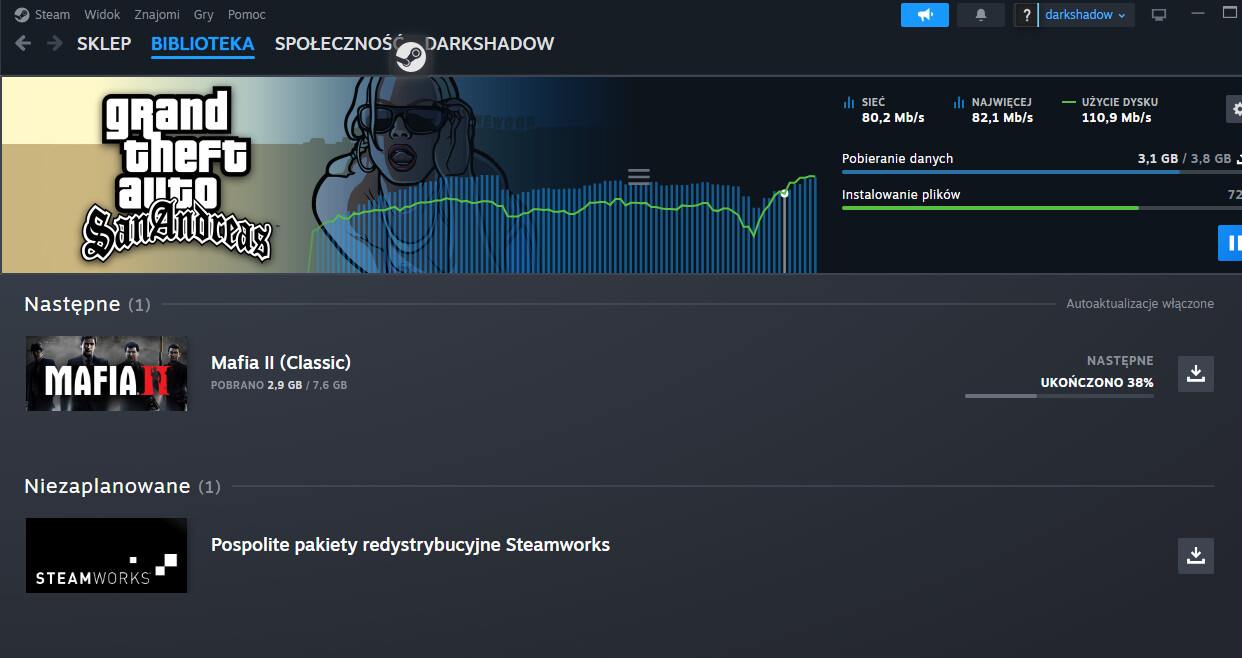
Steam patched this bypass so it will only work for people who installed Steam before February and used the method. For those who just downloaded the new version of Steam, it won’t work even if you clear the download cache.
Update: I found a way around it. You need to downgrade to the January version, clear the download cache, close Steam completely, and then use Steamtools to inject your games.
Next, launch Steam using PowerShell. As it starts extracting packages to update, kill the process before it finishes. Now, open Steam directly through Steamtools and voila! all your games will show up again. I tested this on two different devices and it worked both times.
hey..I saw this post just now..I have steam from long ago..is it okay to try this trick now? is everything’s working according to what you said …downgrading..?
 !
!