 [FREE FOREVER] TELEGRAM DRIVE — Skip Dropbox, Skip Google, Get Unlimited Cloud Storage Free
[FREE FOREVER] TELEGRAM DRIVE — Skip Dropbox, Skip Google, Get Unlimited Cloud Storage Free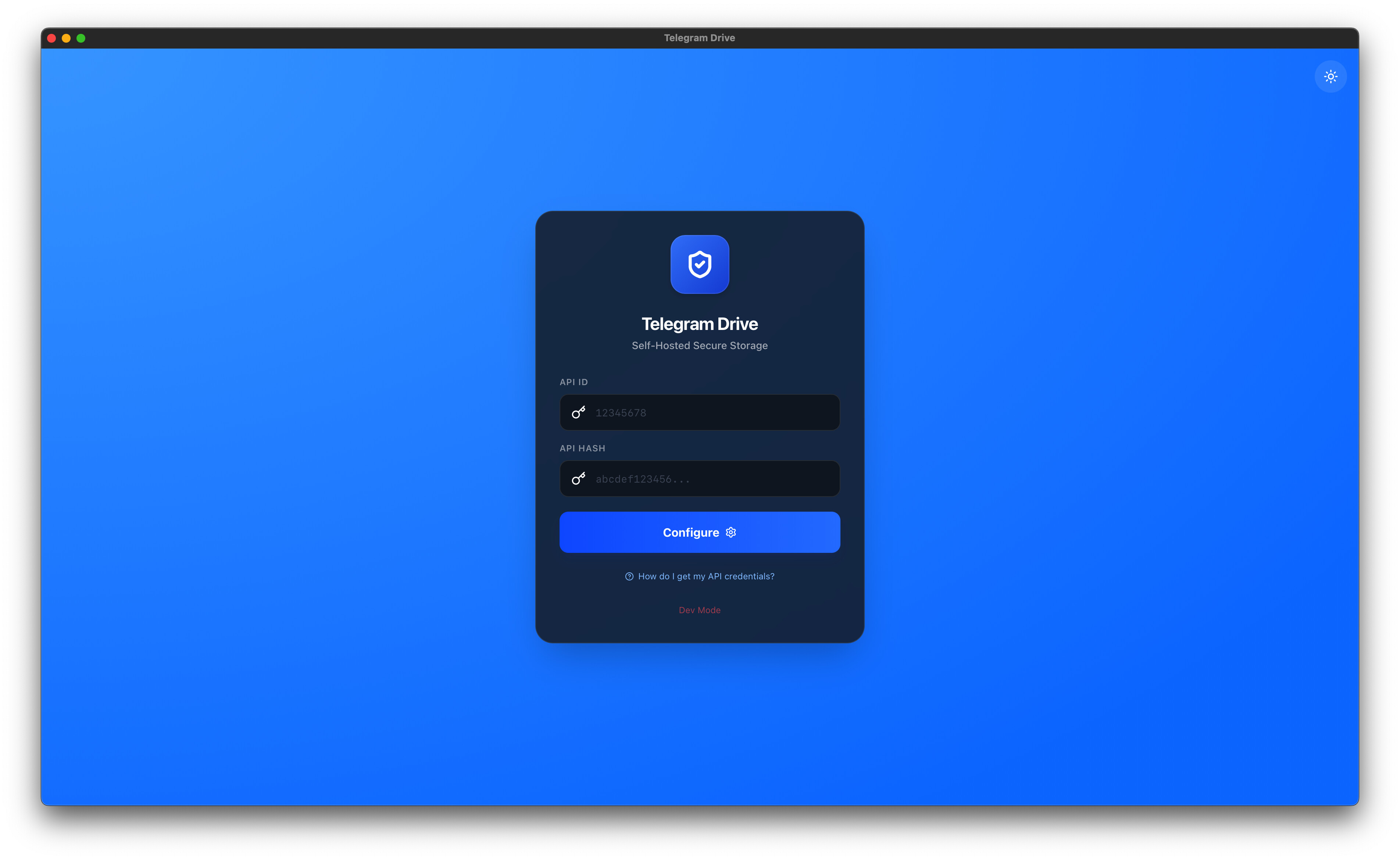
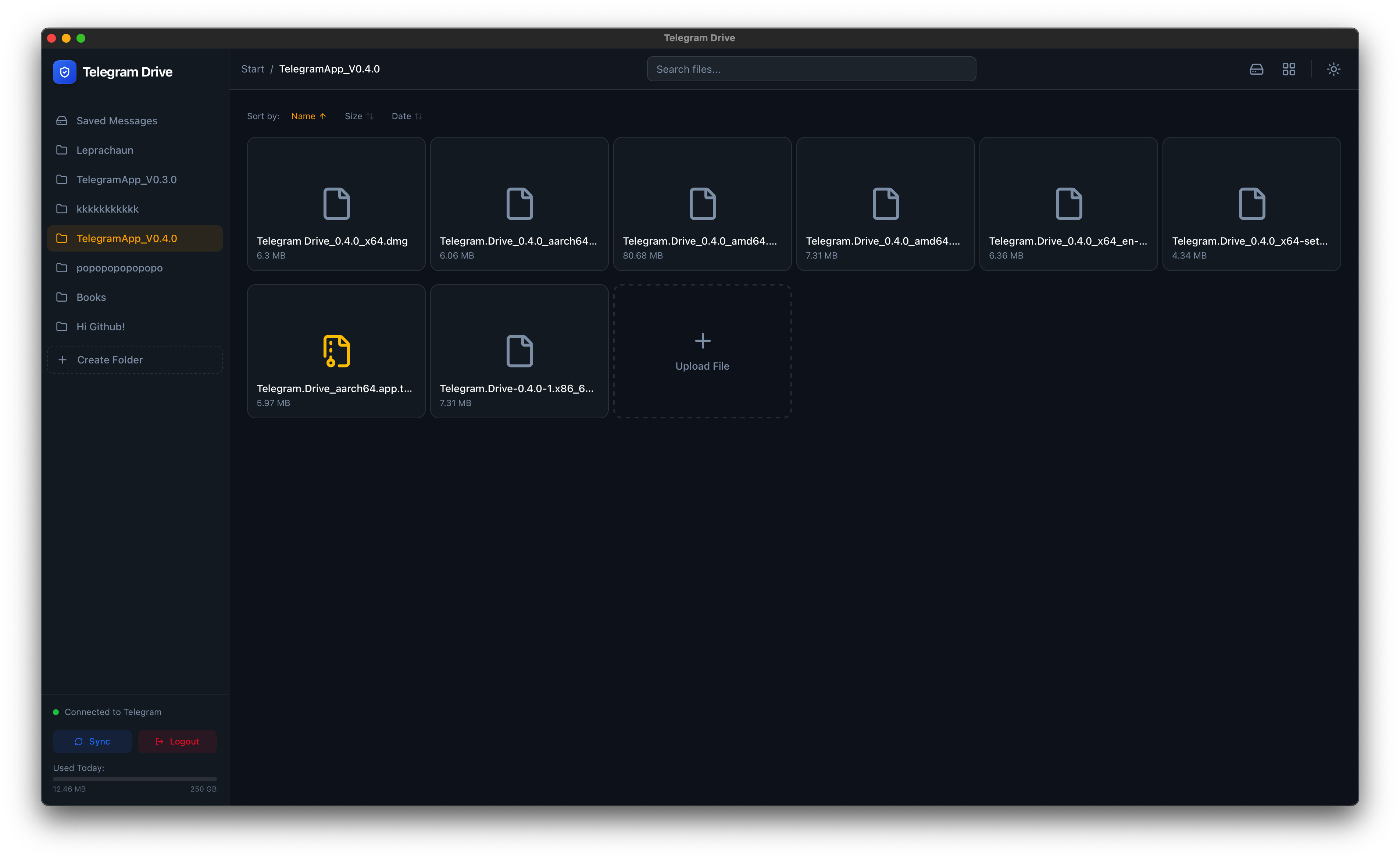
Google Drive: 15 GB free, then it’s $$/month forever. Dropbox: same scam, smaller free tier. Meanwhile Telegram lets you upload 2 GB files free, basically forever. I’m the dev of Telegram Drive — an open-source app that takes that hidden free storage and turns it into a clean Google-Drive-style file manager. Same files-and-folders shape you already know, just sitting on top of the messaging app you already have.
- Old thread by SRZ blew up with great feedback — this is v1.1.45 with the bugs squashed and the setup gotchas everyone hit baked into the steps below.
 What’s actually happening
Telegram has a chat called “Saved Messages” — a chat with yourself. You can dump files in there forever. No “buy more space” pop-ups.
This app dresses that chat up to look and feel like Google Drive — folders, search, previews, drag-and-drop, the works. Your files still live on Telegram’s servers. The app is just the front door that makes it usable.
 What you get
 Drag, drop, done — files up to 2 GB each
 Folders, tags, smart search — find that 2-year-old PDF in 5 seconds
 Preview without downloading — photos, videos, audio, PDFs, Word, Excel, PowerPoint, ZIP, CSV — all open in-app
 Pause / resume / retry — uploads survive shitty Wi-Fi
 Trash + restore — undo your “oh no” moments
 Repair index, backup, recovery — the boring safety stuff that matters when something breaks
 Get it on whatever you’ve got
| Platform | Link |
|---|---|
 Web (works in any browser, nothing to install) Web (works in any browser, nothing to install) |
sachinmandawi.github.io/Telegram-Drive |
 Windows / Mac / Linux Windows / Mac / Linux |
v1.1.45 installers |
| Android APK (install-outside-Play-Store file) |
Same releases page, grab arm64-debug.apk for most phones |
 The one-time setup — read this before you start
The app needs to prove it’s you hitting Telegram’s servers — like flashing your ID at a club door, once. Telegram calls this an API key (two short strings only you see). Free, takes 3 minutes.
 Turn your VPN OFF first. This is the #1 reason setup fails. Telegram’s anti-spam slams VPN signups with
 API_ID_INVALIDerrors.- Go to my.telegram.org → log in with your Telegram phone number — include the country code with
+(e.g.+91xxxxx, not just the local digits) - Click “API development tools” → make an app (any random name, any random short name, leave the rest blank)
- Copy your API ID and API Hash
- Paste them into Telegram Drive once. VPN back on after, if you want
 If something doesn’t work — quick fixes
Three issues from the old thread, all solvable:
| What you see | Fix |
|---|---|
API_ID_INVALID while making credentials |
VPN was on. Turn it off, redo step 2 |
| Phone number rejected | Add country code with + (Abd_Shk’s tip — works) |
| Upload stuck in queue forever | Was a real bug in v1.1.10. Fixed in v1.1.45. Grab the latest, retry the file |
| Storage showing ~250 GB cap | Telegram started capping some newer free accounts. Older accounts still see the big number. If you hit a cap, you’ve found Telegram’s new policy, not a bug in the app |
 Why this beats paying for cloud
| Telegram Drive | Google Drive | Dropbox | |
|---|---|---|---|
| Cost | $0 | $1.99–$9.99/mo after 15 GB | $9.99/mo for 2 TB |
| Free quota | Generous (varies by account) | 15 GB hard cap | 2 GB |
| Code | Open-source (public, anyone reads it) | Closed | Closed |
| Per-file size | 2 GB | 5 TB if you pay | 50 GB if you pay |
 What’s new in v1.1.45 (since SRZ’s post)
 Upload queue bug fixed (the one that stalled for half of you)
- Better PDF + video previews — pinch-zoom, rotate, fullscreen
- Folder color tags + grid resizing
- Repair Index button if your file list ever desyncs
- All-new desktop builds aligned across Windows/Mac/Linux + Android APKs
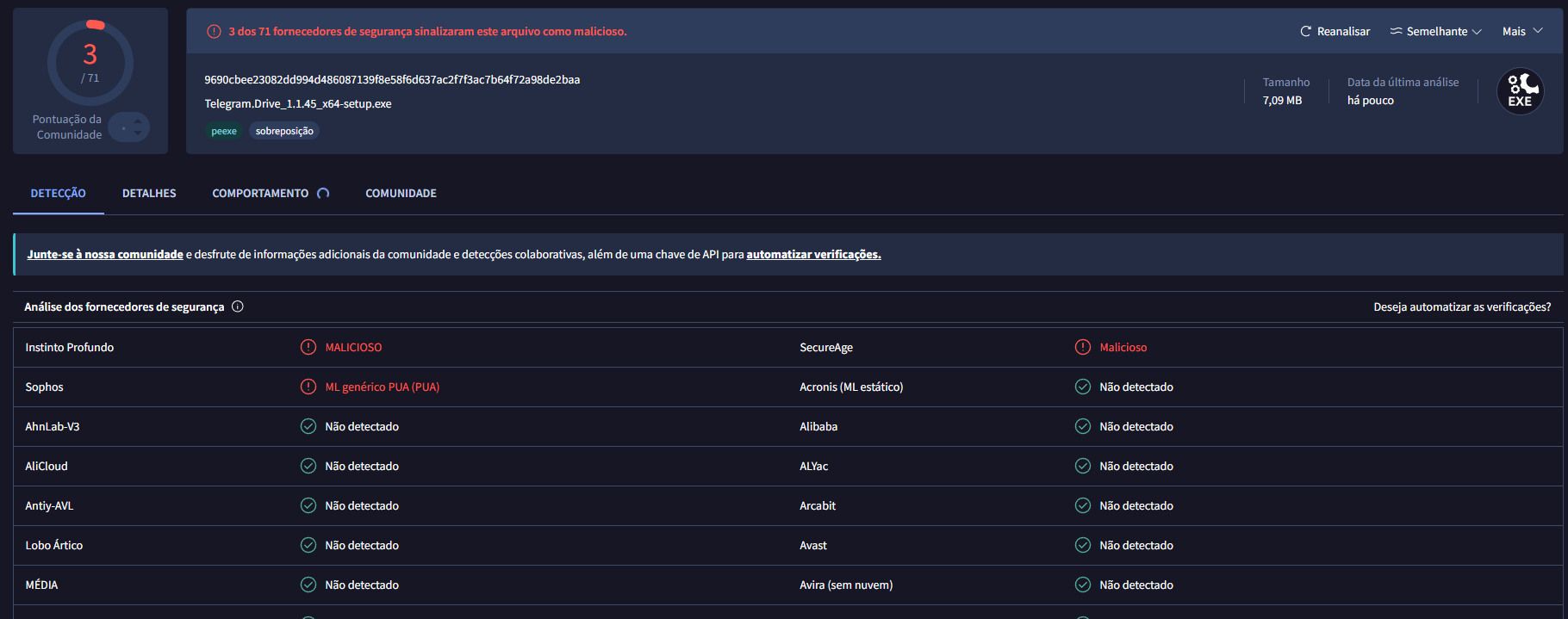
Not affiliated with Telegram. Use it like a normal Telegram user — don’t be a dick with copyright junk and you’ll be fine.
 on GitHub if it saves you a subscription. Bug reports, feature ideas, roasts — all welcome. What’s the first thing you’re stuffing in there?
 !
!