I bought an iPhone 11 Pro Max from Cashify in India on 2022, and it was working perfectly there with Indian SIM cards.
Recently, I moved to Canada, but when I insert a Canadian SIM card, the phone only shows “SOS” and doesn’t connect to the network. I’m guessing the device might be blacklisted in North America or have some regional/network restriction, even though it works fine in India.
Has anyone faced a similar issue before? Is there any way to get the phone unblacklisted (if that’s the problem), or is there any other solution that would allow me to use a Canadian SIM in this device?
Any advice or guidance would be greatly appreciated.
Thanks in advance! @SRZ@TheJoker pls help
If the IMEI is blacklisted because it was reported lost or stolen, only the party that originally reported it (or the carrier involved) can normally remove the blacklist.
3. Verify model compatibility
The iPhone 11 Pro Max was sold in multiple regional variants. Most Indian-market iPhone 11 Pro Max models support Canadian LTE bands, so complete incompatibility is uncommon, but it’s still worth checking the model number:
Settings → General → About → Model Number
Tap the model number until you see something like A2218, A2161, etc.
If you tell me the model number, I can check Canadian network compatibility.
4. Try basic network troubleshooting
Update iOS to the latest version available for the device.
Go to Settings → General → Transfer or Reset iPhone → Reset → Reset Network Settings.
Test with SIM cards from more than one Canadian carrier.
Enable and disable Airplane Mode.
Check whether the carrier offers an eSIM and try activating one.
5. Determine whether it’s a network registration issue
Insert the Canadian SIM and check:
Settings → General → About
Does the carrier name appear anywhere, or does it remain blank and show only SOS?
Also try:
Settings → Cellular → Network Selection
Turn off Automatic and see whether Canadian networks appear in the list.
Most likely scenarios
Carrier lock → Can usually be resolved by the original carrier that locked the device.
Blacklisted IMEI → Much harder; generally only the reporting carrier/owner can remove it.
Provisioning or network compatibility issue → Often fixable with carrier settings updates, network reset, or a different SIM/eSIM.
IPHONE 11 PRO MAX SHOWING SOS IN CANADA — BOUGHT FROM INDIA? HERE’S THE REAL FIX
iPhone works perfectly in India but shows SOS only in Canada? This is an extremely common problem for people who move from India to North America. It is almost definitely a SIM lock issue — NOT a blacklist. Here’s the full diagnosis and every fix in order.
FIRST — WHAT’S ACTUALLY HAPPENING
Before panicking about blacklists, understand the real cause: [1][2]
YOUR SITUATION EXPLAINED:
──────────────────────────────────────────────────────
✅ Works in India    = device is NOT hardware broken
✅ SOS shows Canada  = phone detects Canadian towers
                       but CANNOT authenticate your SIM

WHY? Most likely causes (in order of probability):

CAUSE 1 — SIM LOCKED TO INDIA (Most Likely 90%)
  → Cashify resells refurbished iPhones
  → Many are locked to Indian carrier (Airtel/Jio/Vi)
  → Phone only accepts Indian SIM cards
  → Canadian SIM = rejected → SOS only

CAUSE 2 — Network Band Mismatch
  → Indian iPhone may lack Canadian LTE bands
  → iPhone 11 Pro Max has this issue sometimes
  → Can only be verified by checking model number

CAUSE 3 — Blacklisted in North America
  → Much less likely but possible
  → Cashify occasionally sells devices
    with unclear international history

CAUSE 4 — Simple Software/Settings Issue
  → Easiest fix — always try this first
STEP 0 — CHECK YOUR MODEL NUMBER FIRST
This tells you everything: [3]
→ Go to: Settings → General → About → Model Number
  Tap the number once to see the full model code

INDIA MODELS (work worldwide on most bands):
  ✅ A2218  → Best — international, all bands
  ✅ A2161  → US model — works in Canada

PROBLEMATIC FOR CANADA:
  ⚠️ Check if your model supports:
     Band 4 (AWS), Band 12, Band 66
     These are key Canadian LTE bands
     (Rogers, Bell, Telus all use these)

→ Cross-check at: apple.com/iphone/compare
FIX 1 — BASIC TROUBLESHOOTING (Do This First, Takes 5 Mins)
TRY THESE BEFORE ANYTHING ELSE:

① Airplane mode ON → wait 30 seconds → OFF
  (forces network re-scan)

② Settings → Cellular → toggle Cellular Data OFF/ON

③ Settings → Cellular → Data Roaming → turn ON

④ Settings → General → About
  Wait 30 seconds → carrier update popup
  If it appears → tap Update

⑤ Remove SIM card → reinsert firmly
  Use SIM ejector pin or paperclip

⑥ Force restart:
  Volume Up → Volume Down → hold Side Button
  until Apple logo appears

⑦ Settings → General → Transfer/Reset iPhone
  → Reset → Reset Network Settings
  ⚠️ Erases saved WiFi passwords only
FIX 2 — CHECK IF YOUR IPHONE IS SIM LOCKED
This is the most important step: [2]
HOW TO CHECK:
→ Settings → General → About
→ Look for "Carrier Lock" field

  ✅ "No SIM restrictions" = unlocked, not your issue
  ❌ "SIM Locked" or carrier name = LOCKED

ANOTHER WAY — IMEI Check:
→ Dial *#06# to get your IMEI number
→ Go to one of these free checkers:
   → imei.info
   → imeipro.info
   → checkmend.com

→ Check for:
   ✅ Blacklist status (clean/blocked)
   ✅ Carrier lock status
   ✅ Activation country
   ✅ Original carrier
FIX 3 — UNLOCK YOUR iPHONE (Most Likely Solution)
If it shows SIM locked to an Indian carrier: [1]
OPTION A — Contact Original Carrier (Free)
  → Find out which Indian carrier it was locked to
    (Jio, Airtel, or Vi — check IMEI checker)
  → Contact that carrier
  → Request international unlock / permanent unlock
  → Jio and Airtel both offer this for eligible devices
  → Timeline: 2–7 business days
  → Cost: Free if account is in good standing

OPTION B — Apple Carrier Unlock Request
  → If the original carrier is unknown
  → Apple can unlock via the original carrier only
  → Contact Apple Support → explain situation
  → They will contact the carrier on your behalf
  → Works if device was legitimately purchased

OPTION C — Third-Party IMEI Unlock (Paid)
  → If carrier unlock fails or is unavailable
  → Use a reputable IMEI unlock service:
     → doctorsim.com ($20–$40)
     → officialiphoneunlock.co.uk
     → imei.guru
  → They submit unlock to Apple's database directly
  → Timeline: 24–72 hours
  → After unlock → insert Canadian SIM → connect
    to iTunes/Finder → restore → works permanently
  ⚠️ Use reputable services only — many are scams
FIX 4 — IF IT’S ACTUALLY BLACKLISTED
Check your IMEI at imei.info first.

If it shows "BLACKLISTED in North America":
  → Device was likely reported stolen/lost in North America
    before reaching India's second-hand market

OPTIONS:
  ① Contact Cashify directly
    → You bought it from them → they are responsible
    → Demand full refund or replacement
    → Consumer forum complaint if they refuse

  ② Blacklist removal services
    → Expensive and NOT guaranteed
    → Ranges from $100–$300
    → Only works for some carriers

HONEST TRUTH:
  → A blacklisted device in North America
    CANNOT be used on major Canadian carriers
    (Rogers, Bell, Telus, Fido, Koodo, Virgin)
  → Best outcome if truly blacklisted:
    → Get refund from Cashify
    → Buy a new device in Canada
CANADIAN CARRIERS THAT ARE EASY TO TEST WITH
Once unlocked, these are the best Canadian carriers to try: [4]
CARRIER
GOOD FOR
CHEAPEST PLAN
Fido
Great coverage, Rogers network
~$25/mo
Koodo
Telus network, good for newcomers
~$30/mo
Freedom Mobile
Cheapest, good in cities
~$20/mo
Public Mobile
Cheapest long-term, Telus network
~$15/mo
Lucky Mobile
Bell network, budget option
~$20/mo
PRO TIPS
90% chance this is a SIM lock — NOT a blacklist — Indian iPhones sold on Cashify are almost always locked to Indian carriers [2]
Check IMEI at imei.info before spending a rupee — 2 minutes of free checking will tell you exactly what you’re dealing with [4]
Cashify has a return/replacement policy — if the device is truly blacklisted internationally, you have grounds to demand a refund
After unlocking, use iTunes/Finder to finalize — insert Canadian SIM, connect to computer, let it activate — this completes the unlock process properly [3]
Public Mobile and Freedom Mobile are best for newcomers — no credit check, pay-as-you-go options, and SIM cards available at Walmart Canada
QUICK ACTION PLAN
TODAY — RIGHT NOW:
  1. Check IMEI at imei.info (free, 2 mins)
  2. Check Settings → General → About → Carrier Lock

IF SIM LOCKED:
  → Contact Airtel/Jio/Vi India for free unlock
  → OR use doctorsim.com for paid unlock

IF BLACKLISTED:
  → Contact Cashify for refund immediately
  → File consumer complaint if they refuse

IF NEITHER (clean + unlocked):
  → Reset Network Settings
  → Try a different Canadian carrier SIM
  → Contact Apple Support
The SOS issue when moving from India to Canada is one of the most reported iPhone problems in 2026 among the Indian diaspora. In almost every case it’s a carrier SIM lock — not a blacklist, not a hardware failure. Check your IMEI first, identify the original Indian carrier, request the unlock, and your phone will work perfectly on any Canadian network.
Thank you so much for you help @R0B0TS and @Emanuel_Branson , As per your suggestion, I checked the DeviceCheck Canada website with my IMEI, and this was the result.
"Your device HAS BEEN reported lost or stolen and is on the national blacklist." Im gonna email that assholes, ill update you.
@Aghilesh_Poovakode solid diagnosis above already — but both replies stop right where it matters: “only the carrier can unlock.” Here’s the part that actually gets your Canadian SIM working, plus how to know which problem you even have before spending a rupee.
First, what “SOS” really means
📵 SOS in Canada  =  phone SEES the towers, but your SIM is REJECTED at sign-in
                     → radio is fine. It's a LOCK, not a dead phone.
A phone from Cashify (used/refurb) showing SOS abroad is ~90% just SIM-locked to its original carrier, not blacklisted. Those are two totally different walls — so don’t guess. One check settles it
━━━━━━ STEP 1 — one IMEI check tells you everything ━━━━━━
That result points you to exactly ONE of the three fixes below.
🔓 Result = SIM-LOCKED (the likely one) → free it, then any SIM works
The permanent fix is a factory unlock — a whitelist on your IMEI in Apple’s activation database. Once done, any SIM/eSIM works forever, survives updates + resets.
A travel/roaming data-eSIM sometimes still connects (rides a foreign network) — worth a cheap test, don’t bank on it → https://www.airalo.com/canada-esim
If it’s a Cashify device, first double-check it’s actually blacklisted and not just locked — people confuse the two constantly.
🍎 Result = iCLOUD / Activation Locked → a different problem entirely
This isn’t a carrier issue — the phone is tied to the previous owner’s Apple ID. Only they (or Apple, with proof of purchase) can remove it → https://support.apple.com/en-us/108934. If Cashify sold it iCloud-locked, go back to them for a refund/removal.
Before paying anyone, rule out the boring stuff for free: Settings → General → About → check “Carrier Lock” (says “No SIM restrictions” = unlocked) · reset Network Settings · test a 2nd Canadian SIM. And confirm it’s not a band issue — your model (likely A2218) vs Canada, per-band → https://www.kimovil.com/en/frequency-checker/CA/apple-iphone-11-pro-max (A2218 carries the Canadian bands, so this is rarely the cause).
“Blacklisted” is the scary guess — a lock is the usual truth. One IMEI check turns a dead phone into a five-dollar fix.

 IPHONE 11 PRO MAX SHOWING SOS IN CANADA — BOUGHT FROM INDIA? HERE’S THE REAL FIX


 iPhone works perfectly in India but shows SOS only in Canada? This is an extremely common problem for people who move from India to North America. It is almost definitely a SIM lock issue — NOT a blacklist. Here’s the full diagnosis and every fix in order.
 FIRST — WHAT’S ACTUALLY HAPPENING
 STEP 0 — CHECK YOUR MODEL NUMBER FIRST
 FIX 1 — BASIC TROUBLESHOOTING (Do This First, Takes 5 Mins)
 FIX 2 — CHECK IF YOUR IPHONE IS SIM LOCKED
 FIX 3 — UNLOCK YOUR iPHONE (Most Likely Solution)
 FIX 4 — IF IT’S ACTUALLY BLACKLISTED
 CANADIAN CARRIERS THAT ARE EASY TO TEST WITH
 CARRIER
 CHEAPEST PLAN
 PRO TIPS
 Check IMEI at imei.info before spending a rupee — 2 minutes of free checking will tell you exactly what you’re dealing with [4]
 Cashify has a return/replacement policy — if the device is truly blacklisted internationally, you have grounds to demand a refund
 After unlocking, use iTunes/Finder to finalize — insert Canadian SIM, connect to computer, let it activate — this completes the unlock process properly [3]
 Public Mobile and Freedom Mobile are best for newcomers — no credit check, pay-as-you-go options, and SIM cards available at Walmart Canada

 Im gonna email that assholes, ill update you.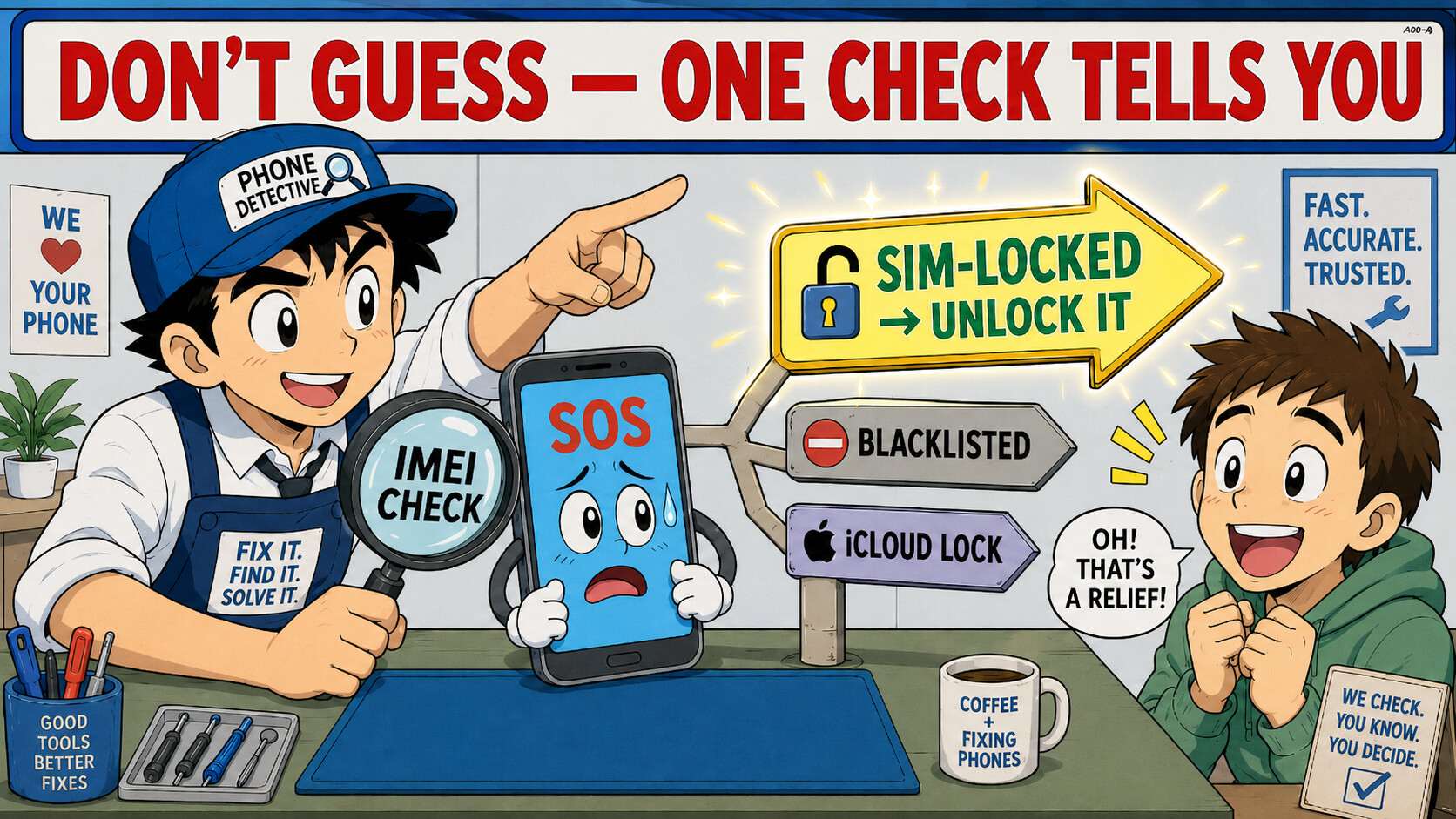
 — but both replies stop right where it matters: “only the carrier can unlock.” Here’s the part that actually gets your Canadian SIM working, plus how to know which problem you even have before spending a rupee.
 Scam filter: any site promising a “free instant unlock” or “blacklist remover” is fake. Check names first →
  An eSIM does NOT bypass it — the block is on the device, not the SIM →
  A travel/roaming data-eSIM sometimes still connects (rides a foreign network) — worth a cheap test, don’t bank on it →
  Settings → General → About → check “Carrier Lock” (says “No SIM restrictions” = unlocked) · reset Network Settings · test a 2nd Canadian SIM.
 !
!