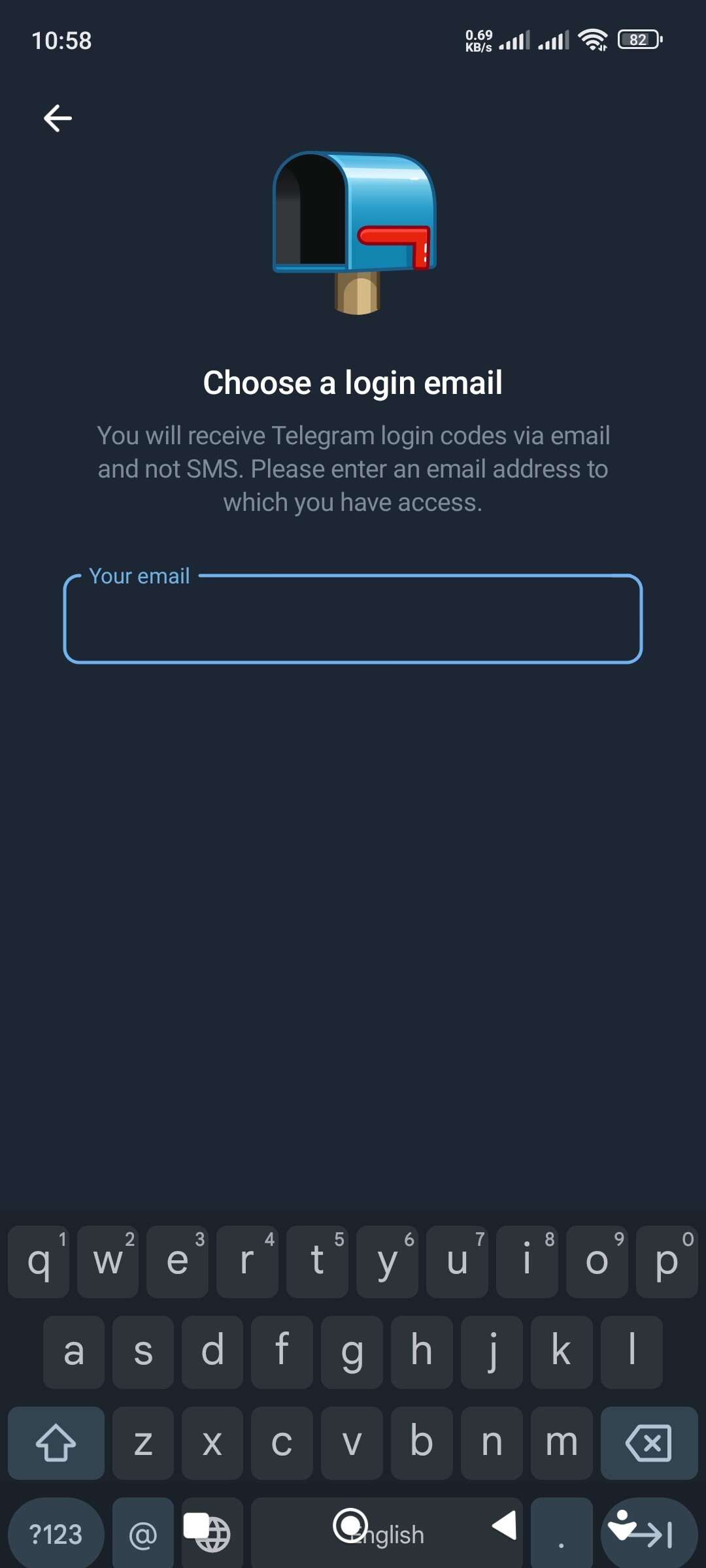
Few days earlier, my telegram asked me to re-enter my phone number as if I installed it for the first time. I entered my number, it adked me to enter my email and said that the verification wil be through email only. When I entered my email i recieved the verification code, I entered the verification code, but I got this error message. Sometimes I got the sms fee message. Idont know what to do.
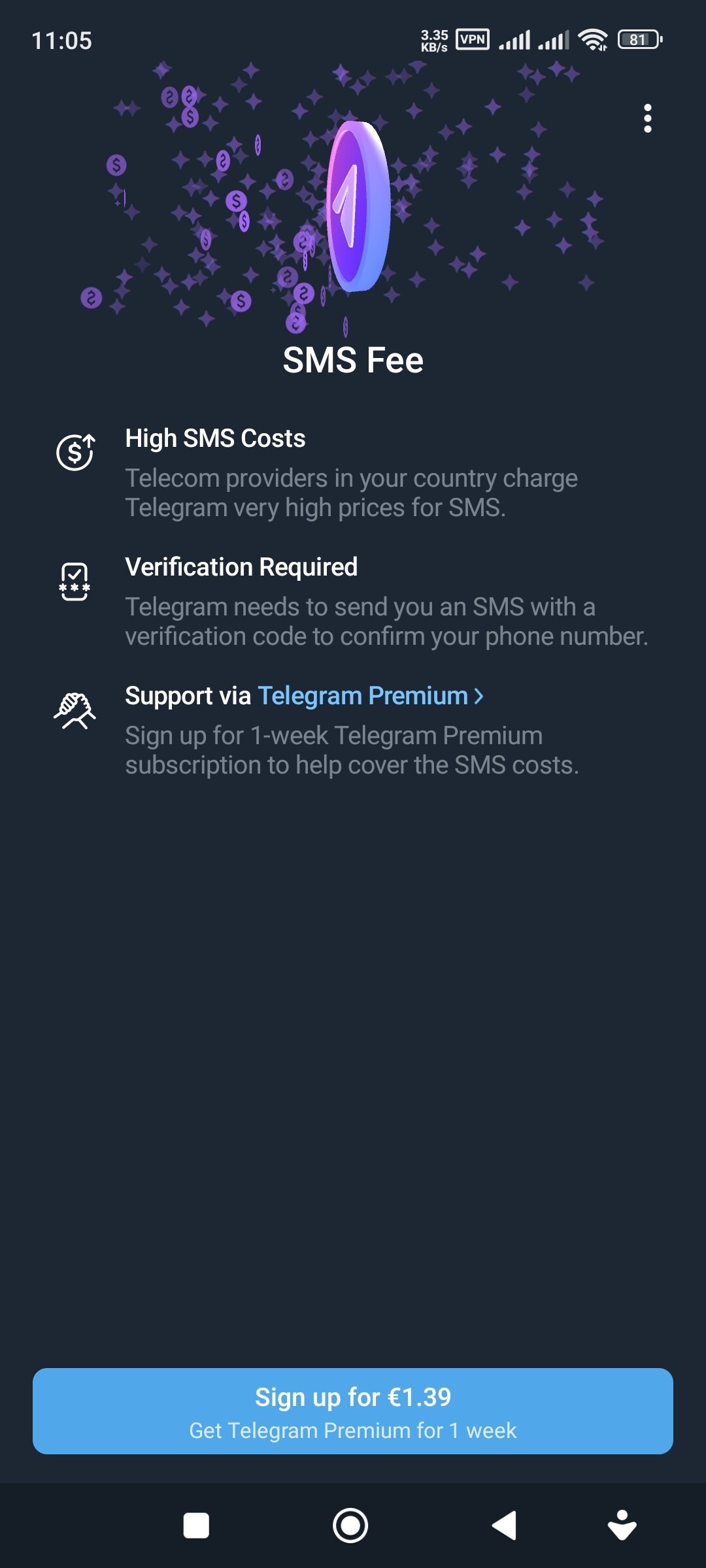
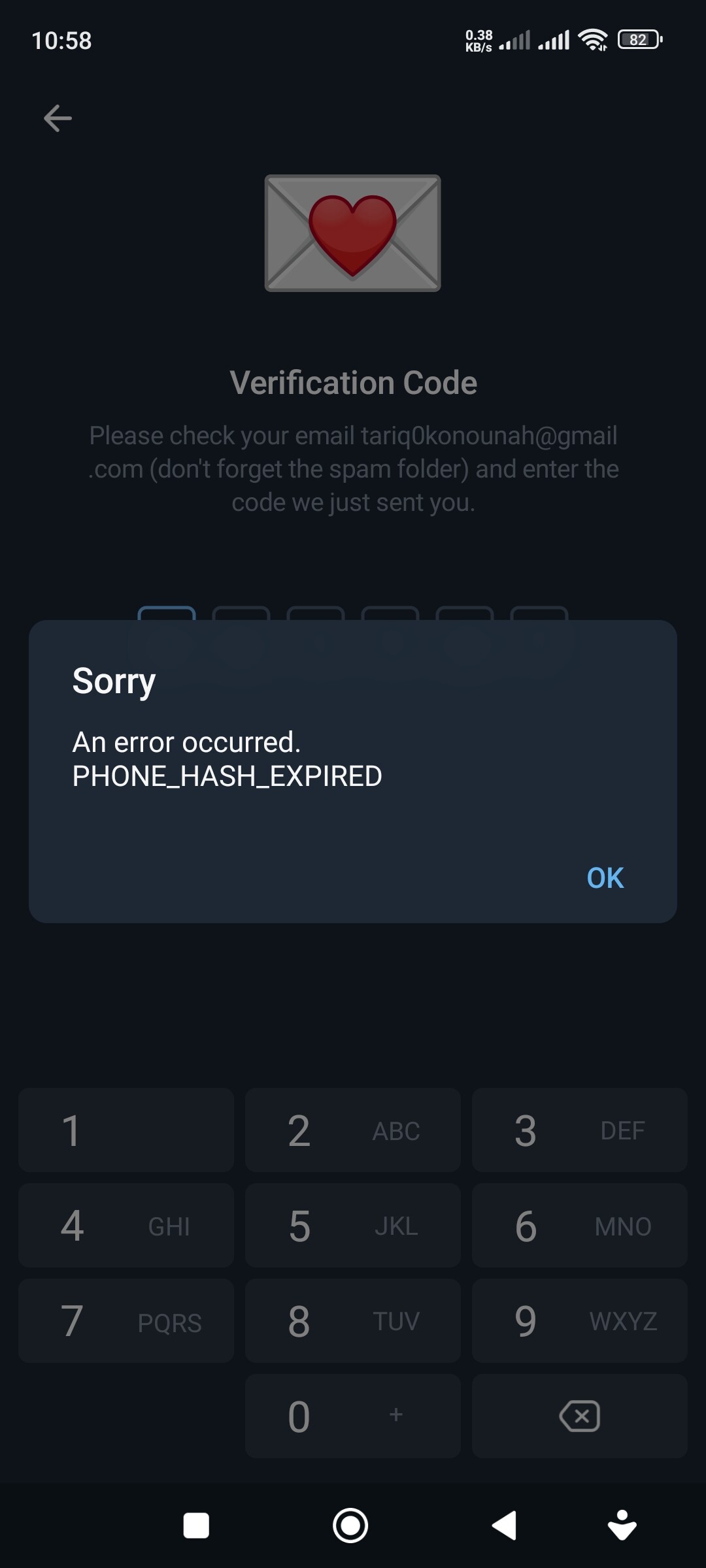
From what i know The error u gave PHONE HASH EXPIRED its probably when u tried the login attempt u got the code u got everything but the login session may have expired , what that means is that the verification code wasnt used in the time session telegram ,Please try again and give us an update , and for the sms fee What happens is: your mobile carrier (Vodafone, Telekom, etc.) may apply a fee for receiving international SMS if Telegram’s login code comes from an overseas number. , and please be sure its the telegram official website not any phishing one And last thing if none of these helps delete the current telegram reinstall it retry login and be sure to enter code quickly , It can be a categorie that u getting hacked but thats a maybe because the symptoms u described phone hash expired email only prompt and sms fee can be caused by session timeouts and carrier sms quirks , and using a non official app
I hope this helps
Oh Look, Another Telegram Verification Victim! 
Well well well, look what we have here - the holy trinity of Telegram’s bullshit verification system! Let me guess, you’re probably sitting there wondering why a messaging app is acting like Fort Knox’s security system, right?
Your Problem Breakdown (AKA Telegram Being a Dick) 
Screenshot 1: PHONE_HASH_EXPIRED while trying to enter email code
Screenshot 2: Email-only verification mode (SMS route blocked)
Screenshot 3: The classic €1.39 SMS fee extortion screen
Congrats, you’ve hit the Telegram verification lottery! 
Let’s Fix This Shit - Chennai Style 
Step 1: The Nuclear Reset (Because Subtlety is Overrated)
Settings → Apps → Telegram → Storage → Clear Cache & Data
Yes, nuke everything. Telegram’s servers are probably having a stroke trying to remember your session.
Step 2: Time Sync Fix (Because Your Phone is Drunk)
- Go to Settings → Date & Time → Use network-provided time
- Turn that shit ON. Telegram’s servers are pickier than a Chennai auto driver about exact timing.
Step 3: The Email Hijack Trick 
Since you’re stuck in email-only mode:
- Enter a DIFFERENT email than what you used before
- Use a temp email service if needed - 10minutemail.com works great
- The system often resets when it sees a fresh email
Step 4: The Network Hop Dance 
- Start on WiFi
- Request the email code
- Immediately switch to mobile data
- Enter the code while on mobile data
This confuses Telegram’s backend and often bypasses the hash expiry
Step 5: The Double-Request Mindfuck 
- Request email code
- Don’t enter it
- Request another code immediately
- Enter the second code - the fresh one usually works
Step 6: Avoid That €1.39 Bullshit 

- DO NOT pay that SMS fee
- Wait 30 minutes and try the email route again
- Use a VPN to a different country (try Singapore/Malaysia)
- The system often reverts to free methods after failed billing
Step 7: The Device Switcheroo 

If you have Telegram on desktop/web:
- Keep it logged in
- Try the verification from your phone
- Sometimes cross-device auth works when single-device fails
Pro Tips from a Fellow Verification Hell Survivor 
- Timing is everything: Try during off-peak hours (late night IST)
- Don’t spam: Wait 15-20 minutes between attempts
- Check spam folder: Gmail loves hiding Telegram codes there
- Use incognito/private browsing: Sometimes browser cache fucks things up
If All Else Fails (The Nuclear Option) 
- Uninstall Telegram completely
- Wait 24 hours (yes, seriously)
- Reinstall on a different network
- Use a VPN to appear from a different country
- Try with a completely different email
Why This Happens (Telegram’s Shitty Logic) 
Telegram’s verification system is designed by sadists who probably enjoy watching people suffer. The PHONE_HASH_EXPIRED error happens because:
- Their servers can’t sync properly
- Your session got corrupted
- They want to push people toward Premium subscriptions
- Someone at Telegram HQ hates humanity
Final Words 
Don’t let this blue bird app defeat you! I’ve seen people stuck in verification hell for weeks, only to get in with one of these tricks. Try them in order, take breaks, and remember - if Telegram wanted to make this easy, they would have. They’re just being dicks about it.
Good luck, and may the verification gods be with you! 
P.S.: If you get in, immediately go to Settings and add 2-3 backup emails/recovery options. Don’t let this shit happen again!
for days now, i cannot connect telegram to my new phone
 !
!