 My Notebook ➜ free + open-source ➜ no account, no cloud ➜ OCR-reads every screenshot ➜ notes stay yours
My Notebook ➜ free + open-source ➜ no account, no cloud ➜ OCR-reads every screenshot ➜ notes stay yoursNo account. No cloud. Finds any word you ever pasted — even the words stuck inside a picture.


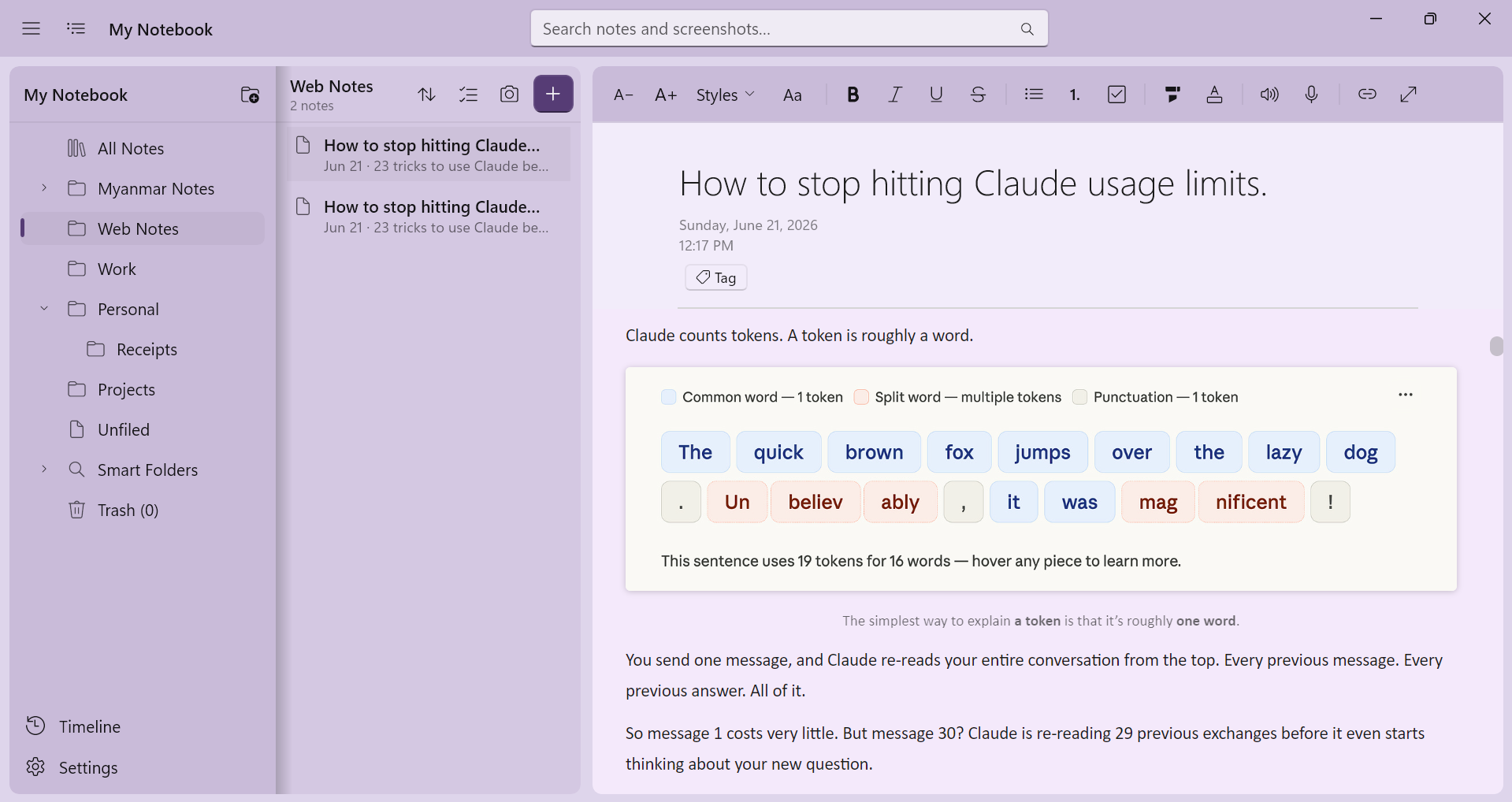
🔒 they keep your notes on their servers — this keeps them in your folder
| The popular one | The catch | This instead |
|---|---|---|
| Notion / Evernote | Notes on their servers, behind a login, always syncing | No account, no cloud, no telemetry (apps phoning home). Plain files you own. |
| Obsidian / Notion | Electron (a website in an app costume) → heavy, eats RAM | Native (built for Windows) → boots fast, stays light |
| OneNote / Apple Notes | Read image text too — but need MS cloud / Apple-only gear | Reads image text fully offline, no account |
| Most of them | Can’t search Burmese (no spaces between words) | Finds a word mid-Myanmar-sentence + half-typed words in any language |
Your data = a
Data/folder next to the app. Copy to USB · sync your own cloud · zip as backup. Files. Yours.
🔎 it reads the text inside your screenshots — and lets you search it
- OCR (pulls text out of images) → every screenshot becomes searchable. Offline. No account.
- Trigram + full-text (chops words into 3-letter bits) → finds buried words, half-words, spaceless Burmese.
- Ranked results · highlighted hits · jump-to-match.
| Type | Get |
|---|---|
"exact phrase" |
Those words, together |
-word |
Hide notes with that word |
title: / tag: / type: |
Search by title / tag / note type |
✍️ paste anything — screenshot or a whole web article — it just sticks
- Screenshot → drops inline at full-res, clickable, where your cursor is.
- Whole web article → formatting and images come with it; images saved into the note (works offline after).
- Screenshot threads → dump a pile, drag-to-reorder, all searchable.
- Headings · lists · checklists · highlight · color · fonts · auto-title from pasted heading.
🗂️ folders · bulk-move · timeline · [[wiki-links]] · 8 skins
- Two-pane drawer — folders + note list, collapse either side.
- Bulk — Ctrl/Shift-click → move, pin, delete a stack at once. Drag onto folders.
- Timeline — browse by date (Today / Yesterday / month / older), zoom out across periods.
[[wiki-links]]+ backlinks — jump between notes, see which point back.- 8 color themes + intensity dial + distraction-free focus mode.
🧰 the full dump — everything it does
 Workspace Workspace |
Two-pane drawer, collapsible panels, multi-select bulk move/pin/delete, drag-to-folder, sort |
 Editor Editor |
Inline full-res images, rich web paste (kept offline), auto-titles from pasted heading, fonts, checklists |
 Screenshot threads Screenshot threads |
Paste, drag-to-reorder, searchable text, 100% floating viewer, export all |
 Search Search |
OCR image text + buried/half-words (Myanmar-friendly), operators, highlighted hits |
 Knowledge Knowledge |
[[wiki-links]] + backlinks, web clipper that keeps the source URL |
 Themes Themes |
Light/dark + 8 colors, intensity slider, custom page colors & rule lines |
 Export Export |
PDF · Word .docx · self-contained HTML · print |
 Voice Voice |
Read a note aloud · record audio into a note |
 Safety Safety |
Auto version history + restore, soft-delete trash, .zip backup |
 Polish Polish |
Focus mode, pin/tag/move, close-to-tray, global Quick Note hotkey |
⌨️ keys
| Keys | Action |
|---|---|
Ctrl+F / Ctrl+K |
Focus search |
Ctrl+H |
Find & replace |
Ctrl+N |
New note |
Ctrl+T |
New screenshot thread |
Ctrl+V |
Paste image |
F11 / Esc |
Focus mode |
Win+Alt+N |
Quick Note (global) |
🛠️ the guts — nerds only
C# / .NET 8 · WinUI 3 (self-contained, unpackaged) · SQLite + FTS5 trigram index · WebView2 editor · Windows.Media.Ocr · QuestPDF / PdfSharp (PDF) · OpenXML (.docx). Core logic in MyNotebook.Core, unit-tested.
MyNotebook/
├─ db/migrations/   SQLite schema + migrations
├─ db/seed/         seed-DB builder (sample notes + screenshots)
├─ installer/       Inno Setup (portable, lowest-privilege)
├─ src/
│  ├─ MyNotebook.Core/   net8.0 — models, services, search
│  ├─ MyNotebook.App/    WinUI 3 — UI, editor, OCR, export
│  └─ MyNotebook.Tests/  xUnit
└─ screenshots/
💡 where this quietly saves your ass
One payoff, five places it bites:
- Café wifi password you screenshotted 3 months ago → type
wifi, it surfaces. No scrolling your gallery. - A receipt or bank screenshot → search the amount or shop name later, even though it’s a picture.
- A long tutorial article pasted in → read it on a flight, images and all, internet off.
- That error message at work → find it by the error code the next time it blows up.
- A license key / serial buried in a screenshot → search the product name, it pops out.
Local, searchable, yours — the cloud never gets a copy, and nothing forgets what you pasted.


 !
!