The Canva edu one was reverted to free
unable to verify can someone make for me
I didnt get an erro but it says wait 20min s to review but didnt come a mail
You’ve hit another homer with this, Schwartz! Many thanks again. I couldn’t use Canva to edit the template because it required permission, so I took the idea suggested by Mohamed_Al_Gohary above, and used Gemini to bypass the need for Canva. At any rate, it worked just fine!
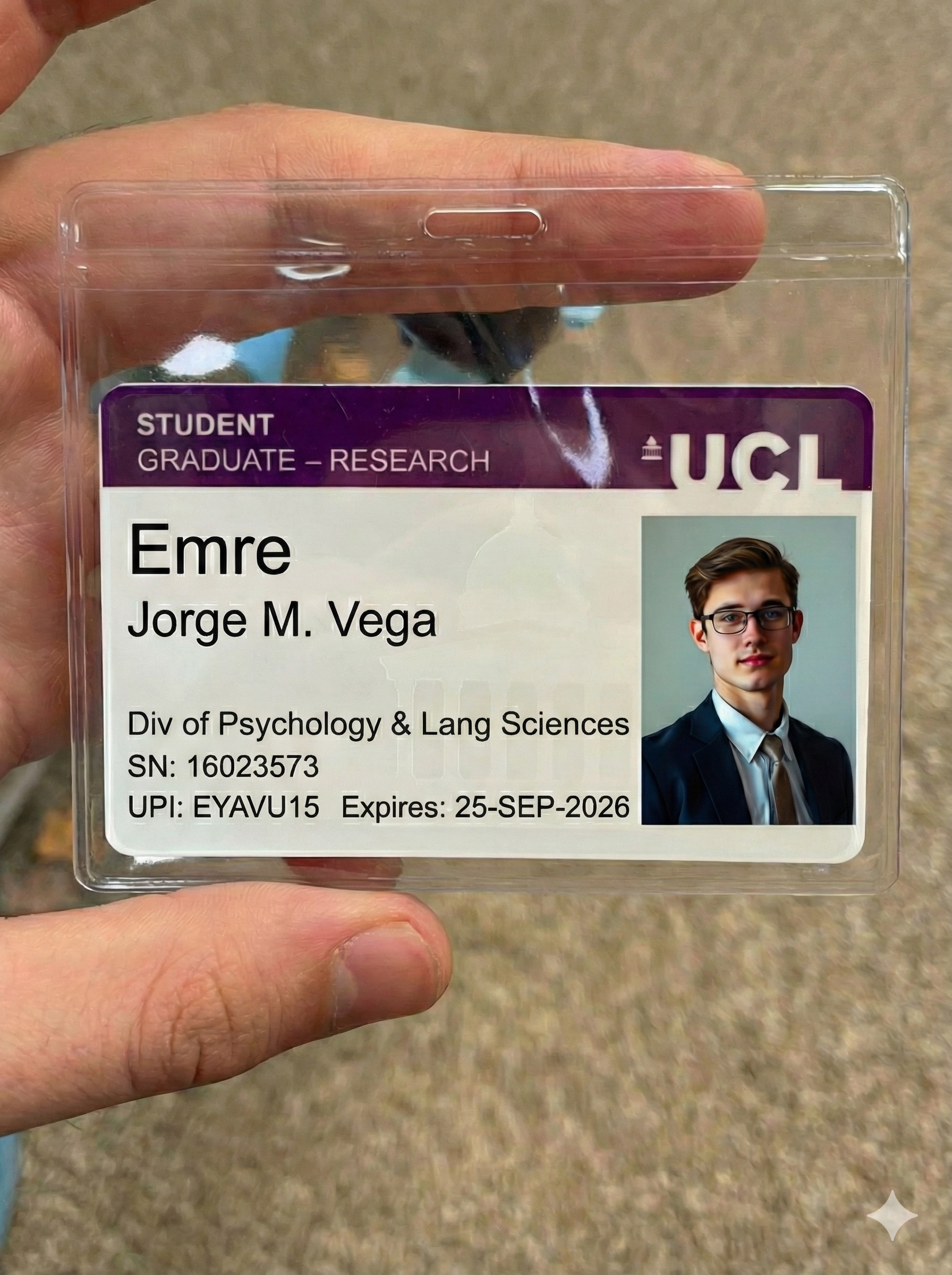
In case anyone is interested, using Gemini, I uploaded one of the images provided in the Canva template. Then, I uploaded a fake student headshot that I generated here: https://pixlr.com/image-generator/ (Note: I have a paid account, and don’t know whether this can be done on pixlr.com for free - but, probably yes.
Now, here is the prompt I used on Gemini to get the image shown here (of course, without the quotes):
"Using the two uploaded images:
- Change the name from “Liam Benjamin” to “Your Preferred Name.”
Use a font similar to the one used in the word above the name “Emre,”
but smaller. Do not remove the word “Emre.” Enter the student name underneath it. Do not repeat the name twice.
- Change the last three numbers in the “SN:” field using a
font that matches the rest of the numbers’ font. In the photo, the SN
is 16023125, change it to 16023xxx.
-
Replace the photo on the ID with the second image I uploaded.
-
Keep everything as realistic as possible, as if this were a photo-realistic student ID."

Bro, are you using a VPN? Can you recommend one? I’ve tried many and none work; they all give an error when I try to submit verification.
If you’re asking me, the answer is no. As the Original post suggests, I just used my browser, Firefox, in incognito or private mode - if you use Firefox, click the three lines in the uppermost right, then select New Private Window. Also, although not mentioned, but a common sense recommendation, use a legitimate email, one that has never been associated with Perplexity before (I used my own domain, not some gmail or yahoo email.) I hope this helps, dude.
lol I can’t believe that still works
some of my tips after a lot of mistake:
1:use Gemini with this prompt to create a custom id:”Remake a same image with random name and sn with photo” with the thinking model
2:use photopea.com to edit the id that Gemini gives to you
Ctrl+J to duplicate,use the square pen to choose area and press v to move the area you have choosen to hide the Gemini watermark
After that goto file/export as/jpg and change the name of the image you edited to the full name of the edited student id
3:use browser with hidden fingerprint enabled by default like Brave/Firefox incognito with paid vpn to have the best result
lastly:don’t be too greddy
register max 2 account with that method daily
By the way not working for me
this method still works perfectly, the only thing you need is patient and a bit of luck
Ii tried like 7 times its still reviewing by the way i dont know whats the matter
tbh
before I have my 1st success student verification
i need 1/4 the day and NEARLY 20 TRIES 
believe in yourself bro
you can do it
Seriously oh i tthought it will hit smoothly then i have to hit harder
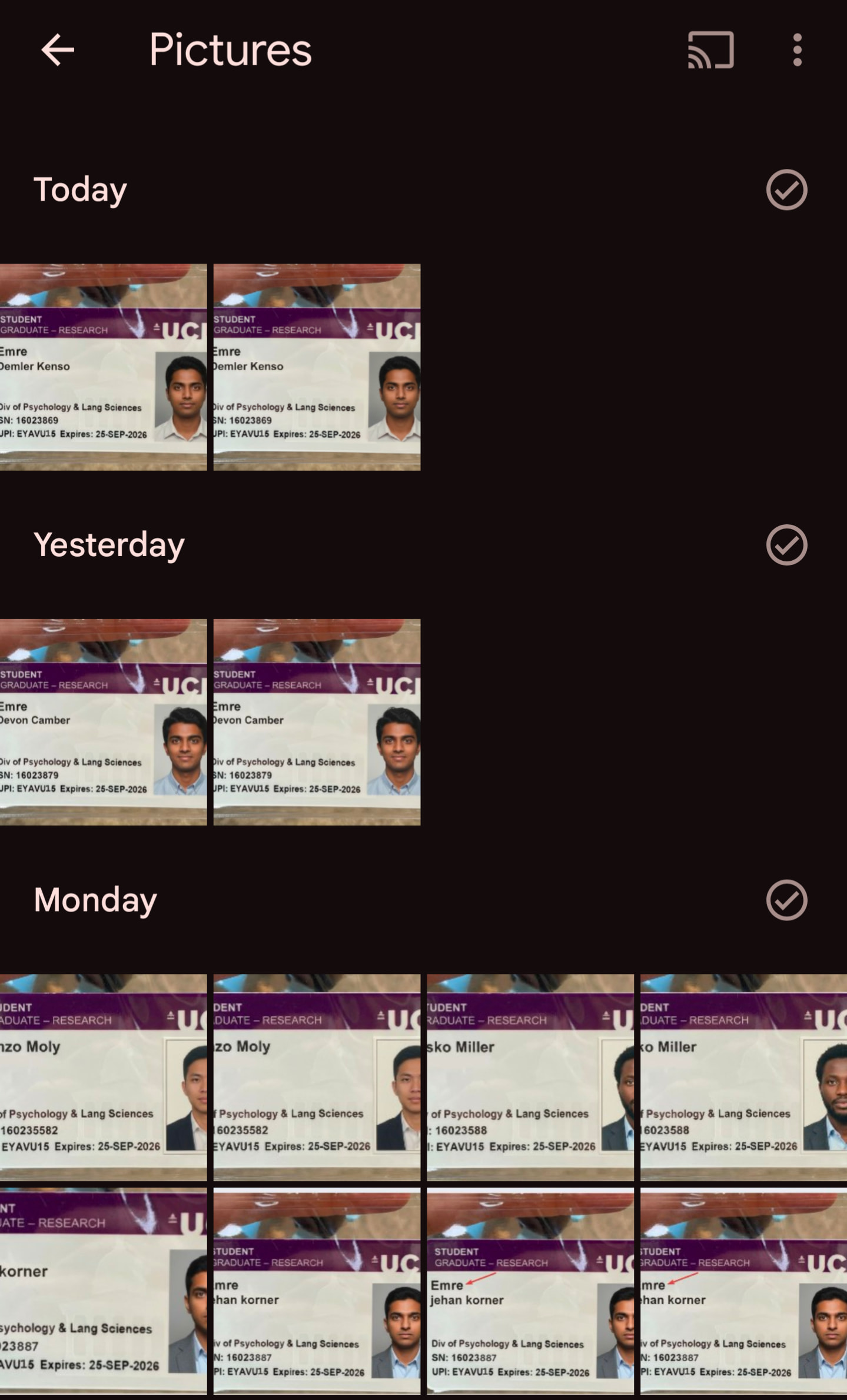
@networkcrasher Bro have some patience, i also tried 2 times yesterday but failed so i stopped and than i tried again today and surprisingly it worked instantly after the 20 seconds timer, in the image you posted i noticed you used same image 2-3 times with same details it won’t work if it got failed 2 times, ready 2 different images if one failed than stop wait few hours and try again with another one, hope it will work for you aswell.
Try using Paypal if you want. Its free for Paypal user. I got mine few months ago. You can search the method here.
Nah i didnt use the same details twice by the way thoes photos i edited the water mark thats why u can see bunch of same
Thanka bro
I’m trying to go step by step, but after a lot of attempts I failed.
I’m on german vpn, used gemini to create id. Verification failed with different reasons.
Could you add details - in every attempt you use different name and new photo on id ?
 !
!