 TL;DR (Too Lazy? Didn’t Read?)
Wanna code like a genius but also broke? These 4 tools are your ride-or-die. No fees, no fake “free trials,” no monthly regret bills. Just plug in and let the robot minions do the hard parts.
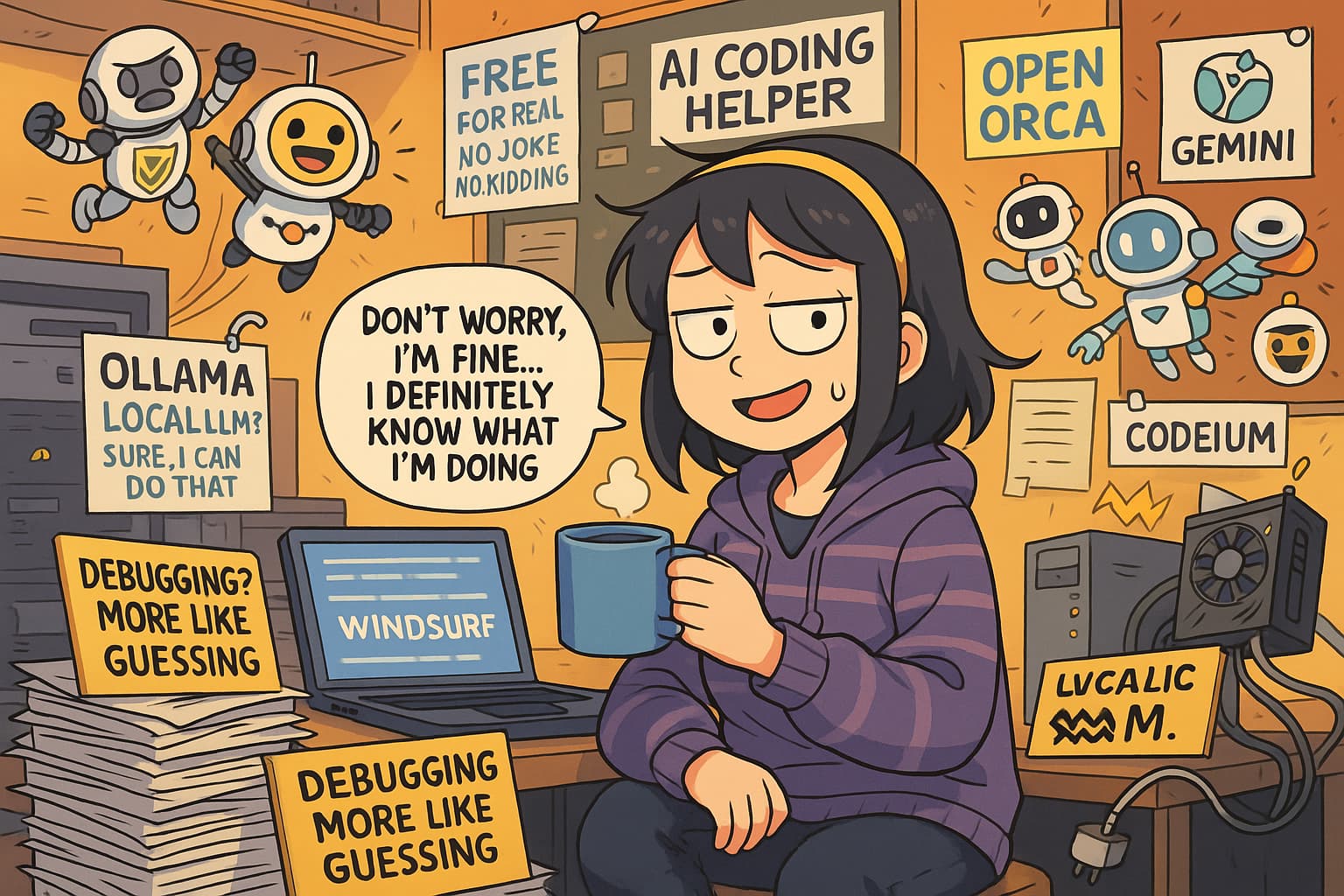
 Windsurf SWE-1-lite & SWE-1-mini
 Free. Forever. Unlimited. Yes, seriously.
Windsurf is like if VS Code had a smart twin who actually does stuff. Their two free models don’t judge, don’t charge, and don’t quit:
- SWE‑1‑lite: Smart, full-function coder. Writes stuff for you. Even tolerates your weird variable names.
- SWE‑1‑mini: Speedy sidekick. Whispers code suggestions like a caffeinated autocomplete.
 How to Set This Up (aka “duh, it’s easy”)
- Go to https://windsurf.com
- Download and install. Yes, click “Next” like 5 times.
- Open it. Go to Settings > Models.
- Pick SWE‑1‑lite or mini.
- Press
Ctrl + LorCmd + Lto open the chat thingy. - Say something like “make a button” and let it flex.
 Extra tip: Want a safe zone to mess around? Use Windows Sandbox. It’s like jail, but for your code.
 Codeium – Copilot’s Free-Living Evil Twin
Like GitHub Copilot, but without the awkward monthly payment.
- Works in VS Code, JetBrains, even Jupyter
- No token limits. No hidden fees. No “Oops, you hit your quota!”
- Can autocomplete, explain, write functions, fix bugs
- Also responds to passive-aggressive prompts like:
“Please fix what you ruined.”
 How to Use It Without Frying Your Brain
- Go to https://codeium.com
- Make a free account (they won’t steal your cat photos)
- In VS Code, install “Codeium” from Extensions
- Start typing like you know what you’re doing
Continue.dev + Ollama (aka Offline Mode: Hacker Edition)
This combo is for privacy paranoids and control freaks.
Runs AI on your own computer like it’s 1999.
- Continue.dev: Like ChatGPT but in your VS Code.
- Ollama: Runs open-source models like Llama 3 on your PC.
- Combined: You get AI help with no internet. No spying. No terms of service guilt.
 Setup Cheat Code
- Install Ollama
- Open VS Code
- Install “Continue” extension
- Tell Continue to use a local model (like StarCoder2)
- Boom. Local AI. Feels illegal. Isn’t.
 Requires actual hardware. Don’t try this on your toaster.
 Google Gemini Code Assist – Cloud AI That Tries
Google’s Cloud Shell lets you use Gemini Code Assist for free. Up to 180,000 completions/month. That’s a lot of “uhh fix this.”
But yeah, it only works inside Google’s web editor.
Think of it like AI that only lives at work and won’t come home with you.
 Setup
Setup
- Go to https://console.cloud.google.com
- Use Cloud Shell Editor
- Turn on Gemini Code Assist
- Type “hello world” and watch it overachieve
Warnings (a.k.a. “Don’t Blame Us”)
- Windsurf: Crashes on some old Macs. Try updating or give it the silent treatment.
- Codeium: Slight lag if your PC is half potato.
- Ollama: Needs a GPU. If your machine wheezes when you open Chrome, skip it.
- Gemini: No offline mode. Must live in the Google Matrix.
 Summary So Easy It’s Insulting
| Tool | What It Does | Is It Free? | Setup Pain |
|---|---|---|---|
| Windsurf | Smart IDE + 2 AI models |  Forever Forever |
Easy |
| Codeium | Copilot clone for free | Unlimited |
Stupid simple |
| Continue + Ollama | Local AI code tools | Self-hosted |
Medium nerdy |
| Gemini Code Assist | Cloud editor AI | 180K/month |
Web-only |
 Final Dump of Links
 Windsurf: https://windsurf.com
- SWE-1 info: https://swe-1.surf
- Install help: https://apidog.com/blog/download-install-windsurf/
- Codeium: https://codeium.com
 Continue.dev: https://continue.dev
 Ollama: https://ollama.com
 Google Cloud Console: https://console.cloud.google.com
 Mic Drop Moment
Don’t act surprised when robots take your job if you refuse to let them help you now for free.
Seriously. These tools are sitting here doing nothing. Just like your unused gym membership.
 !
!