 Stop Paying for DLC — Manual Swaps + One-Click Automated Unlockers
Stop Paying for DLC — Manual Swaps + One-Click Automated UnlockersTwo methods. A handful of tools. Every DLC your game thinks you don’t own — unlocked.
These tools exist. They’re open-source. And they’ve been quietly unlocking paid game content for years.
Two paths to the same destination. Swap pre-made files into your Steam folder, or let a program rewrite the DLC ownership check at runtime. One is copy-paste simple. The other is set-and-forget powerful. Both get you every expansion, skin pack, and season pass the devs locked behind a paywall.
📁 Method 1 — Manual File Replacement (The Copy-Paste Way)
Think of it like swapping a locked door with one that’s already open. Someone else already built the unlocked version — you just drop it in.
How it works: Communities pre-build modified game files that bypass DLC ownership checks. You download them, replace the originals in your Steam folder, and the game thinks you bought everything.
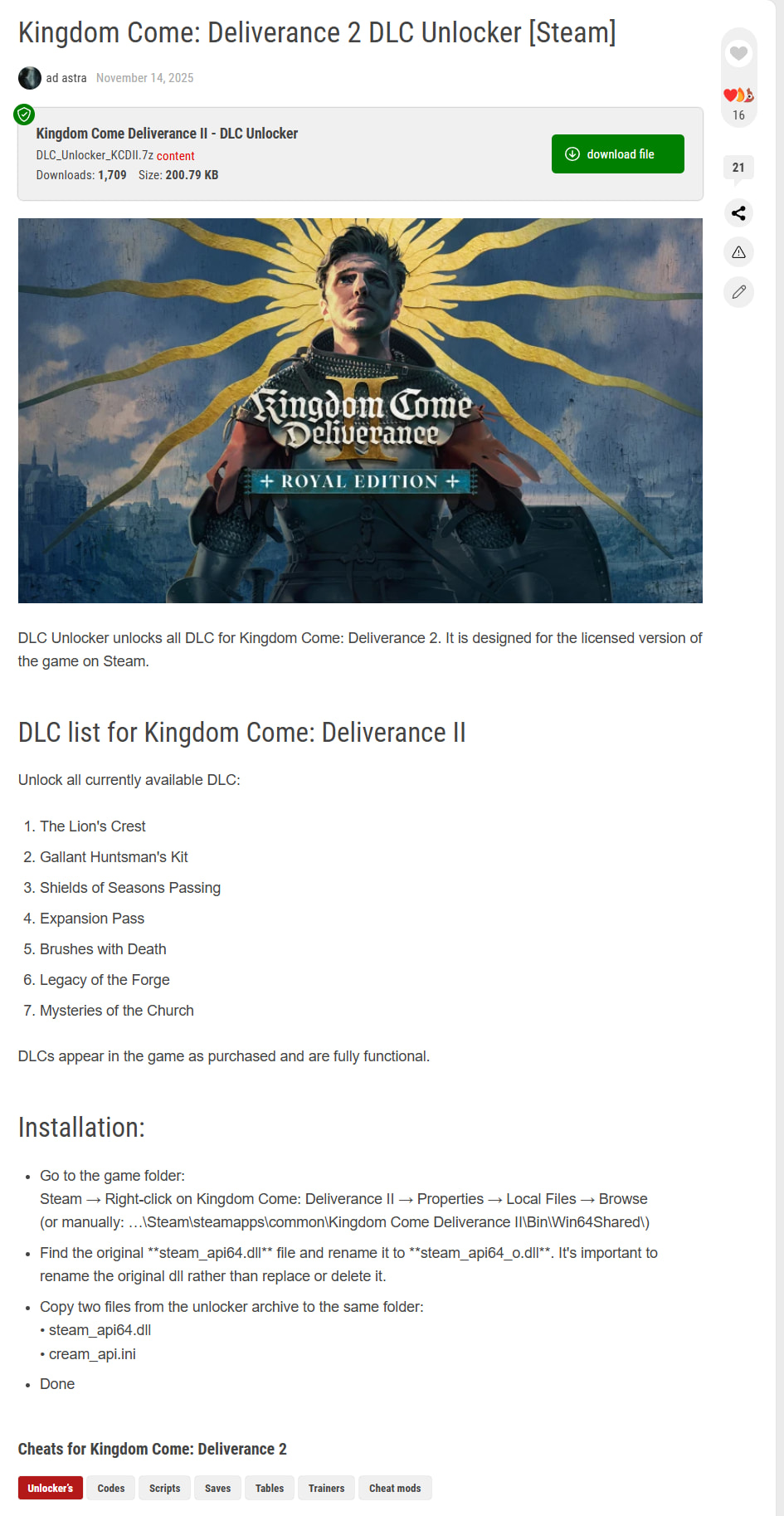
Sites like playground.ru host ready-made DLC unlocker files for specific games. Find your game, download the package, replace the files.
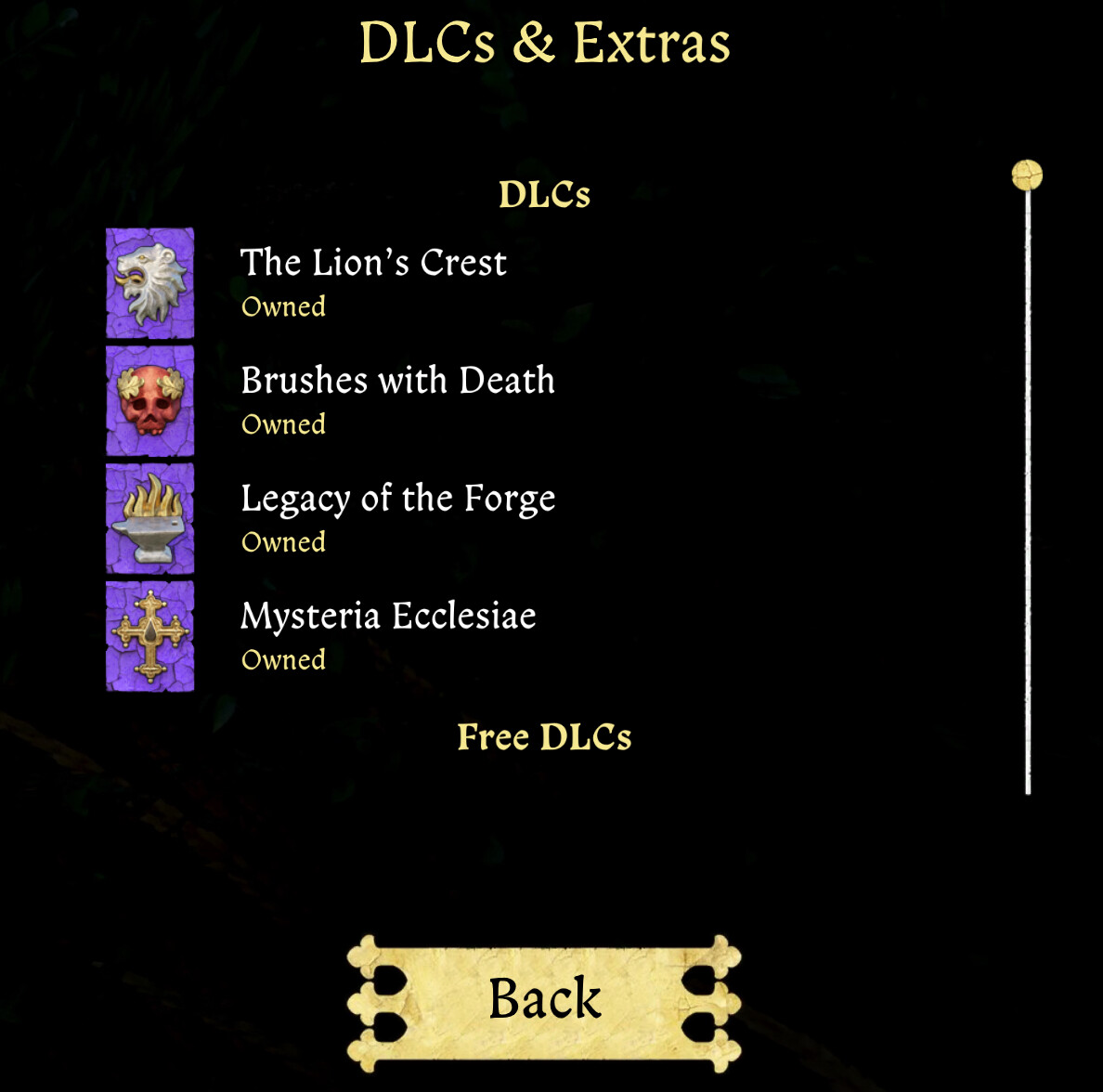
 Example: Kingdom Come Deliverance 2 — DLC Unlocker
Step-by-step:
- Find your game’s DLC unlocker files on a trusted site
- Back up the original files in your
steamapps/common/[Game]/folder - Drop the replacement files into the same directory
- Launch the game — DLCs should appear as owned
 The catch: Game updates often break manual replacements. Every patch = potentially re-downloading new files. Works great for single-player games that don’t update often. Terrible for live-service titles.
⚙️ Method 2 — Programmatic Unlocking (The Smart Way)
Think of it like teaching your game a new language — one where “do I own this DLC?” always returns “yes.”
These tools intercept the Steamworks SDK call that checks DLC ownership. Instead of asking Steam’s servers, the game asks the unlocker — and the unlocker says yes to everything. Multiplayer, achievements, and cloud saves still work normally because only the DLC check gets intercepted.
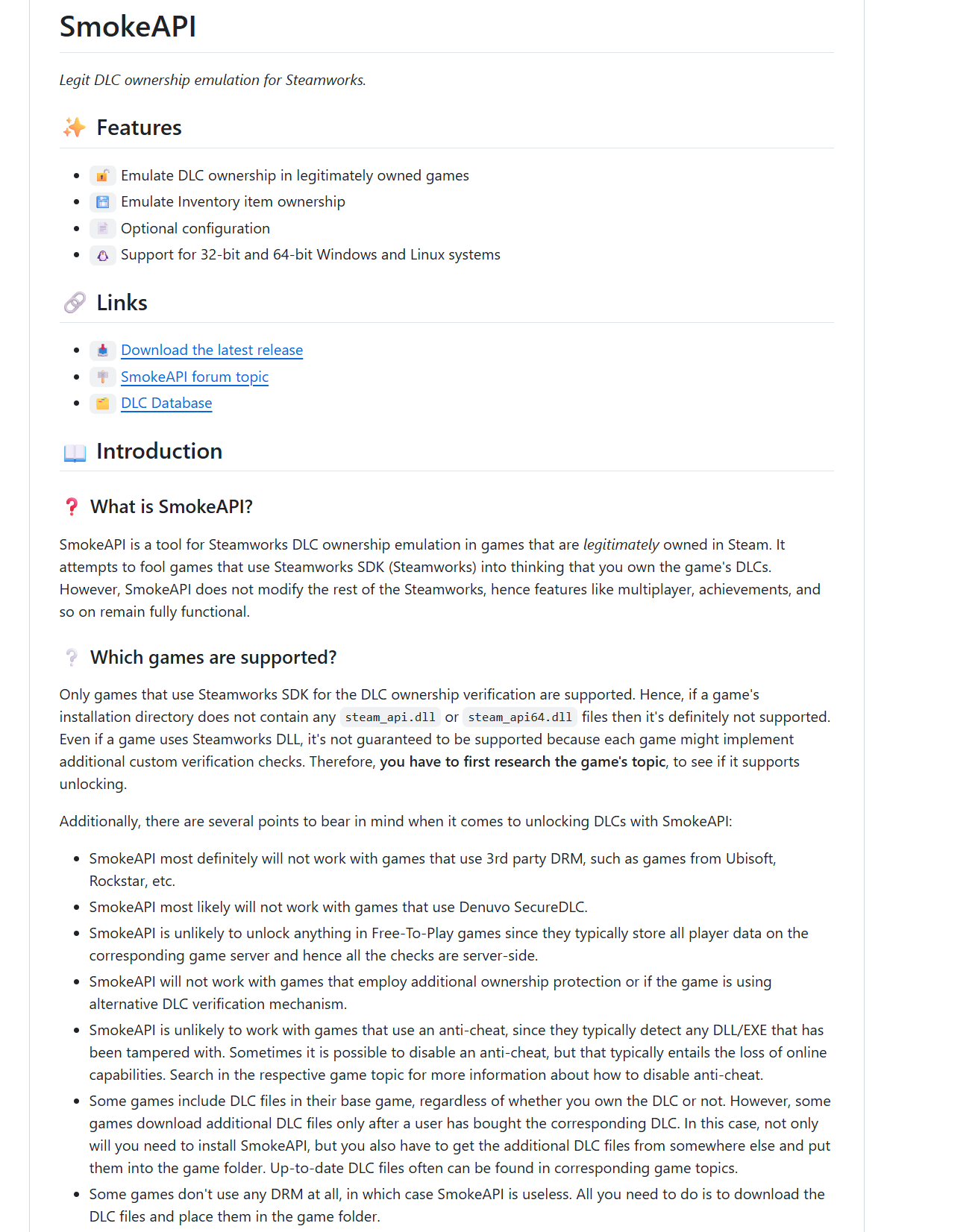
Two installation modes exist for most of these tools:
| Mode | How It Works | Pros | Cons |
|---|---|---|---|
| Proxy mode | Replaces the original steam_api.dll with the unlocker DLL, renames the original to steam_api_o.dll |
Simple setup, reliable | Breaks on game updates that replace the DLL |
| Hook mode | Uses Koaloader to inject the unlocker without touching original files | Survives updates, cleaner | Needs per-game DLL selection |
🛠️ The Toolkit — Every Active Unlocker Worth Using
| Tool | Platform | What It Unlocks | Link |
|---|---|---|---|
| SmokeAPI | Steam | All Steamworks DLCs + entitlements. Auto-fetches DLC lists from Steam API. Config-free by default. | GitHub |
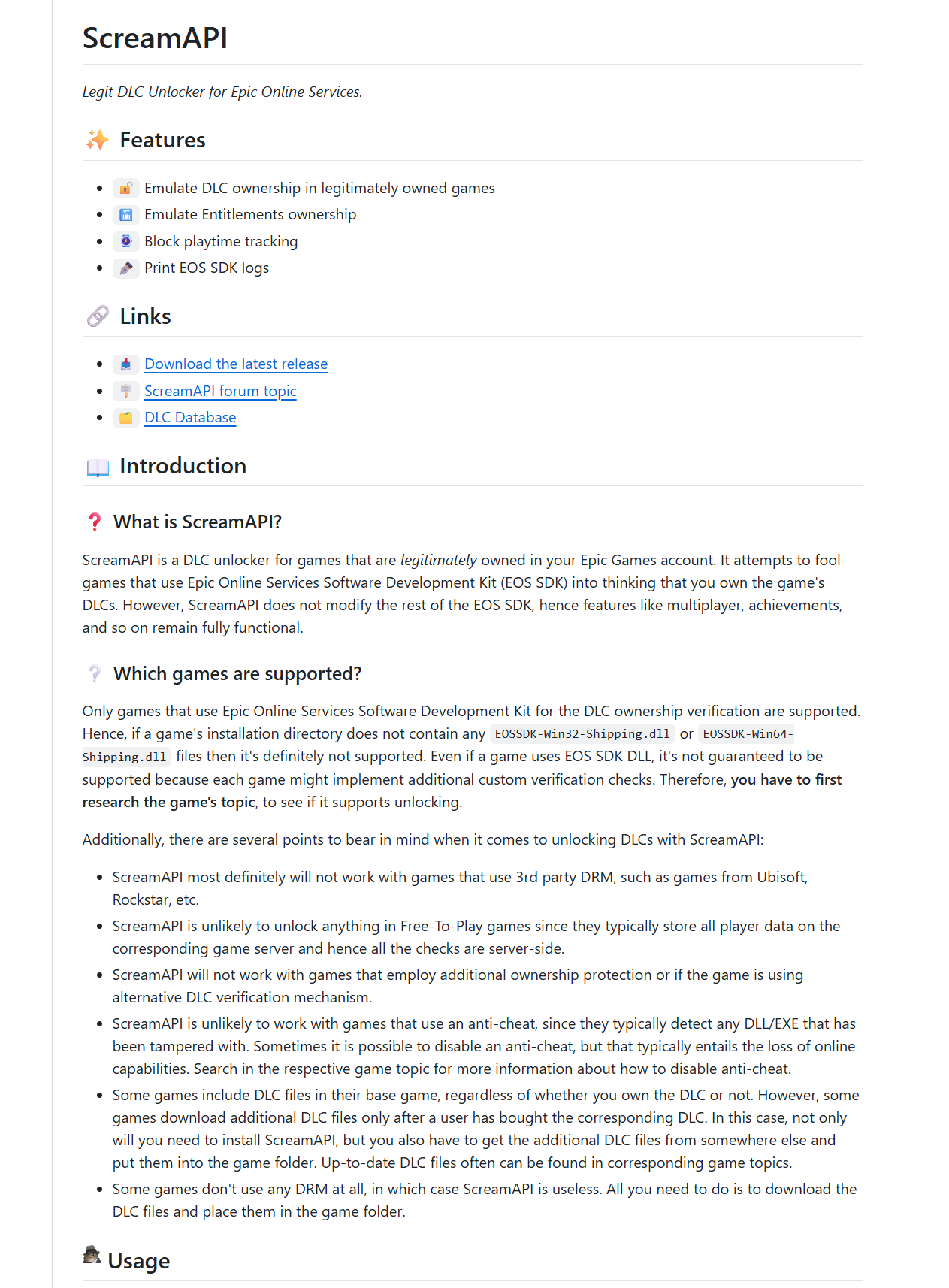
| ScreamAPI | Epic Games | EOS SDK DLC ownership emulation. Same concept as SmokeAPI but for Epic’s ecosystem. | GitHub |
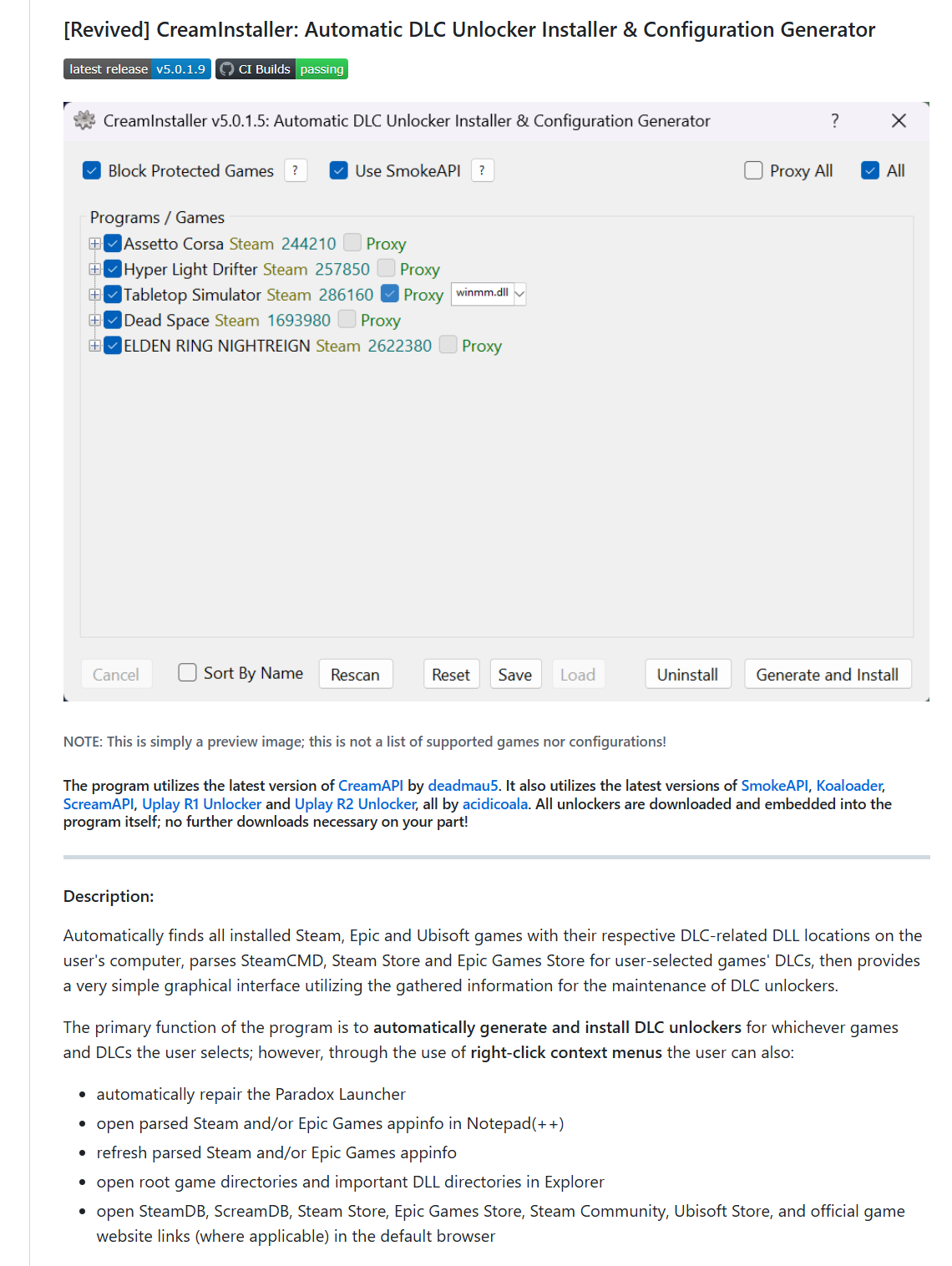
| CreamInstaller | Steam + Epic + Ubisoft | GUI that auto-detects all installed games, fetches their DLC lists, and installs the right unlocker with one click. The easiest option for beginners. 3.9k+ GitHub stars. | GitHub |
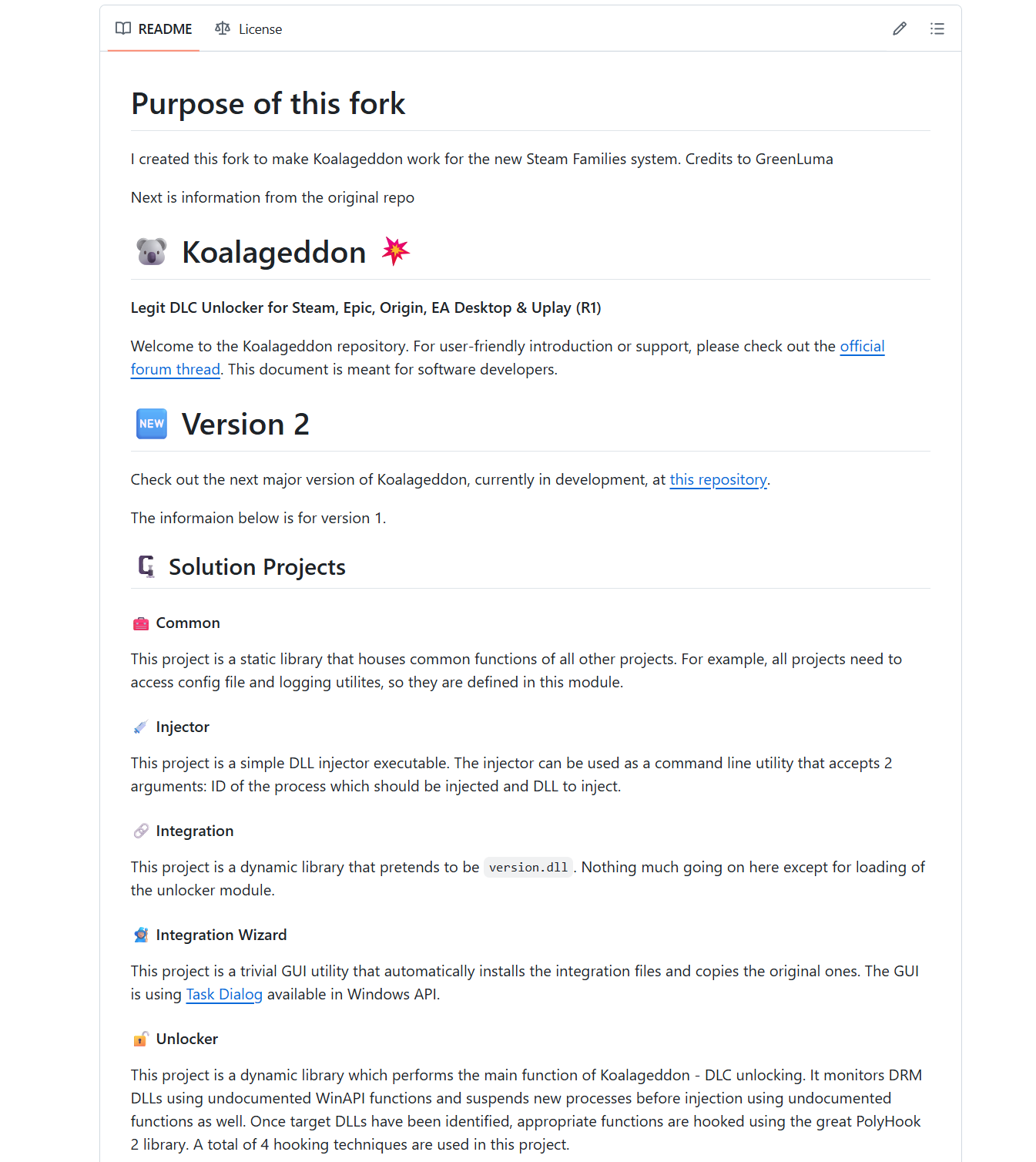
| Koaloader | All platforms | DLL loader that powers hook mode. Uses search order hijacking to inject unlocker DLLs without modifying game files. | GitHub |
| creamlinux | Linux (native) | CreamAPI alternative for native Linux Steam games. Doesn’t work with Proton — use SmokeAPI via Proton instead. | GitHub |
⚠️ What Doesn't Work Anymore — Dead Tools & Detection Risks
| Tool | Status | Why It Died |
|---|---|---|
| Koalageddon v1 |  Archived Sep 2025 Archived Sep 2025 |
Steam added detection for its injection method |
| Koalageddon v2 | Archived Oct 2025 |
Same detection issue. Developer permanently stopped development after Steam flagged SmokeAPI in its process (2024) |
| FroggMaster/CreamInstaller |  Outdated fork Outdated fork |
Use pointfeev/CreamInstaller instead — actively maintained, v5.0.0 (Jul 2025) migrated back to CreamAPI |
What will NOT unlock regardless of tool:
- Games with Denuvo SecureDLC — server-side verification, nothing local to intercept
- Free-to-play games — DLC data lives on game servers, not locally
- Games with 3rd-party DRM (Ubisoft, Rockstar titles with their own launchers)
- Games using anti-cheat (EAC, BattlEye) — they detect DLL modifications
- Online-only games where entitlements are checked server-side every session
The honest reality: These tools work brilliantly for single-player and co-op games that use Steamworks SDK for DLC checks. The further you move from that sweet spot — multiplayer, anti-cheat, server-side verification — the less reliable any unlocker becomes.
🔧 Quick Setup — SmokeAPI (Manual Install)
Proxy mode (simplest):
- Navigate to your game’s install folder (
steamapps/common/[Game]/) - Find
steam_api.dllorsteam_api64.dll - Rename it to
steam_api_o.dllorsteam_api64_o.dll - Download the latest SmokeAPI release from GitHub
- Drop the extracted DLL in the same folder — renamed to match the original filename
- Launch the game. All DLCs should appear as owned.
Hook mode (survives updates):
- Download Koaloader — pick a proxy DLL your game loads (start with
version.dll) - Place the Koaloader DLL in the game’s binary directory
- Download SmokeAPI and place
smoke_api64.dllnext to the game’s.exe - Koaloader auto-detects and loads SmokeAPI at runtime — no original files touched
No config needed. SmokeAPI auto-fetches the full DLC list from Steam’s API and unlocks everything by default. Want to blacklist specific DLCs? Drop a SmokeAPI.config.json next to the DLL.
Quick Hits
| Want | Do |
|---|---|
 Easiest one-click setup Easiest one-click setup |
→ CreamInstaller — GUI, auto-detects games, handles everything |
 Manual Steam DLC unlock Manual Steam DLC unlock |
→ SmokeAPI — proxy or hook mode |
| Epic Games DLCs |
→ ScreamAPI — same concept, EOS SDK |
 Linux native games Linux native games |
→ creamlinux — CreamAPI clone for Linux |
 Survive game updates Survive game updates |
→ Hook mode via Koaloader — no file replacement needed |
 Specific game, no tools Specific game, no tools |
→ Manual file replacement from playground.ru or game-specific communities |
Two methods. One result. Every DLC unlocked — your antivirus just won’t stop screaming about it.
 !
!