ClawTear — a chat window for the AI models already on your own computer
A member-built interface for Ollama — a full chat app that never leaves your machine.
What is actually in it
- Deep Think — reasoning models stream their step-by-step thinking, with a timer
- attach a code or document file, and read any answer aloud
- branch a conversation from any message; export chats as Markdown or JSON
- temporary chats, pinning, rename and search across your whole history
- tokyo-night among four themes, with temperature, Top-P and Top-K in reach
- no npm install and no build step — it runs on Node’s own built-ins
Download — claw-tear.zip (1.8 MB)
Three steps to running it
- Unzip the folder
- Double-click
Start Local AI.bat - Your browser opens localhost:3000
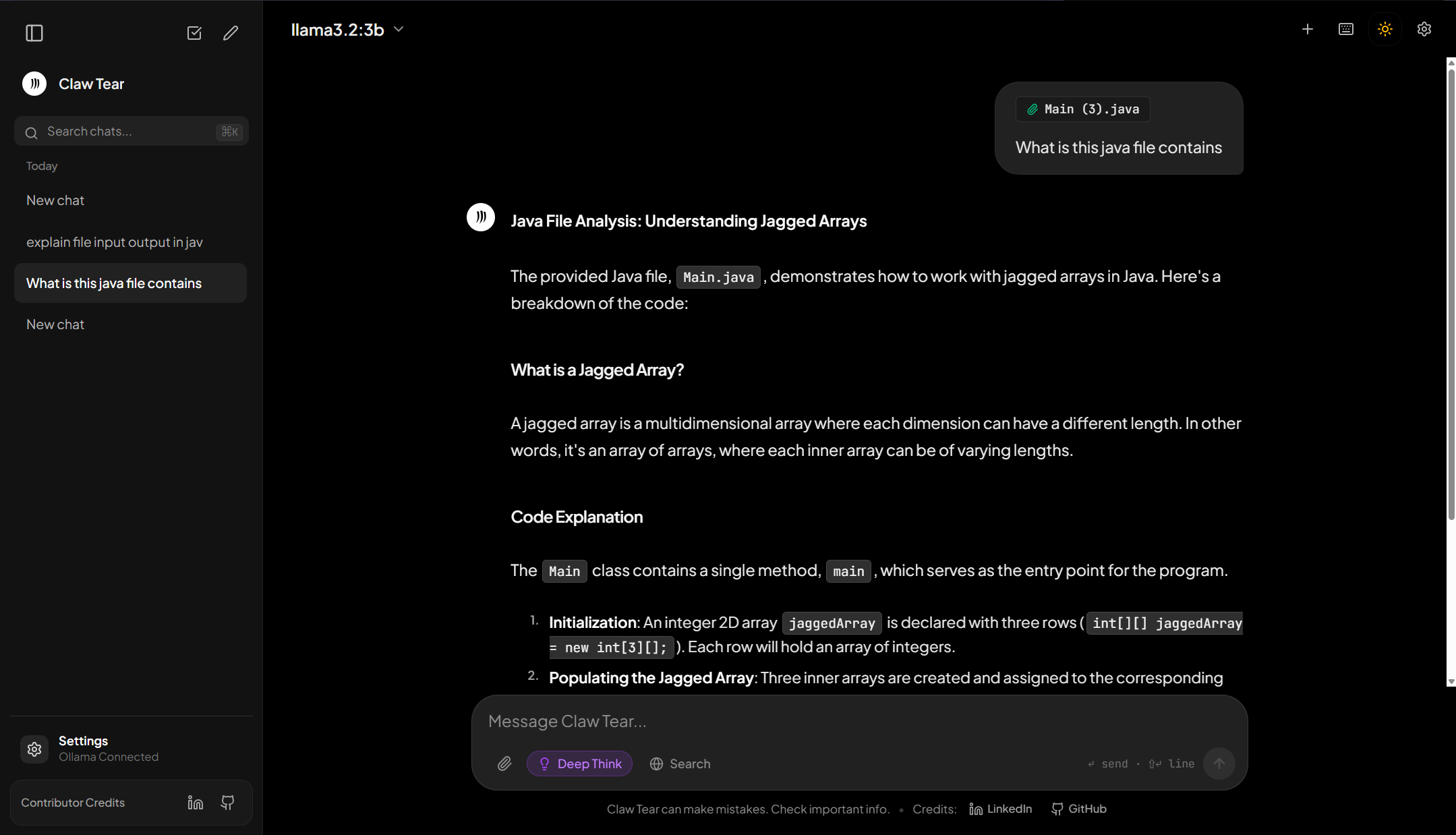
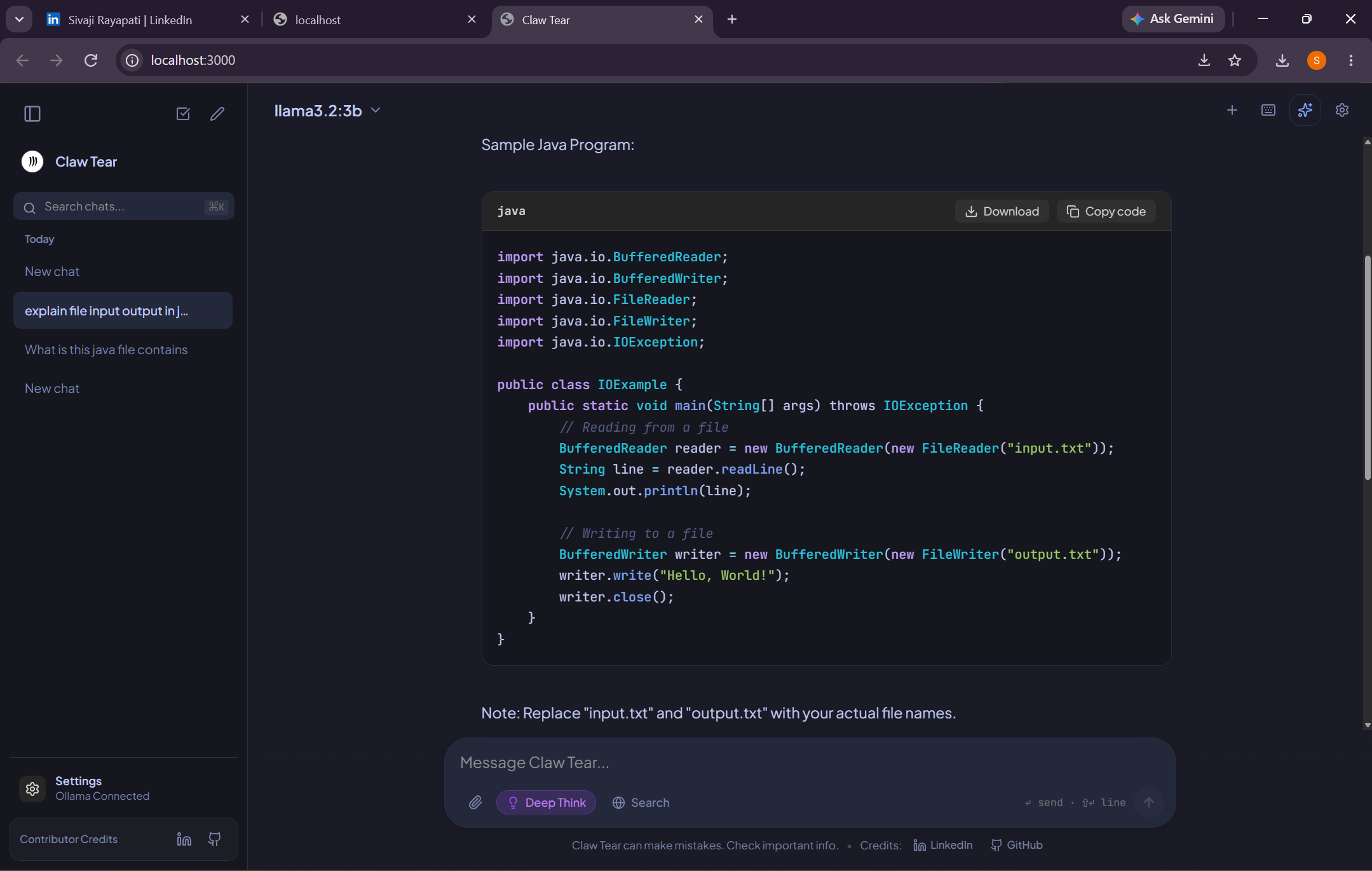
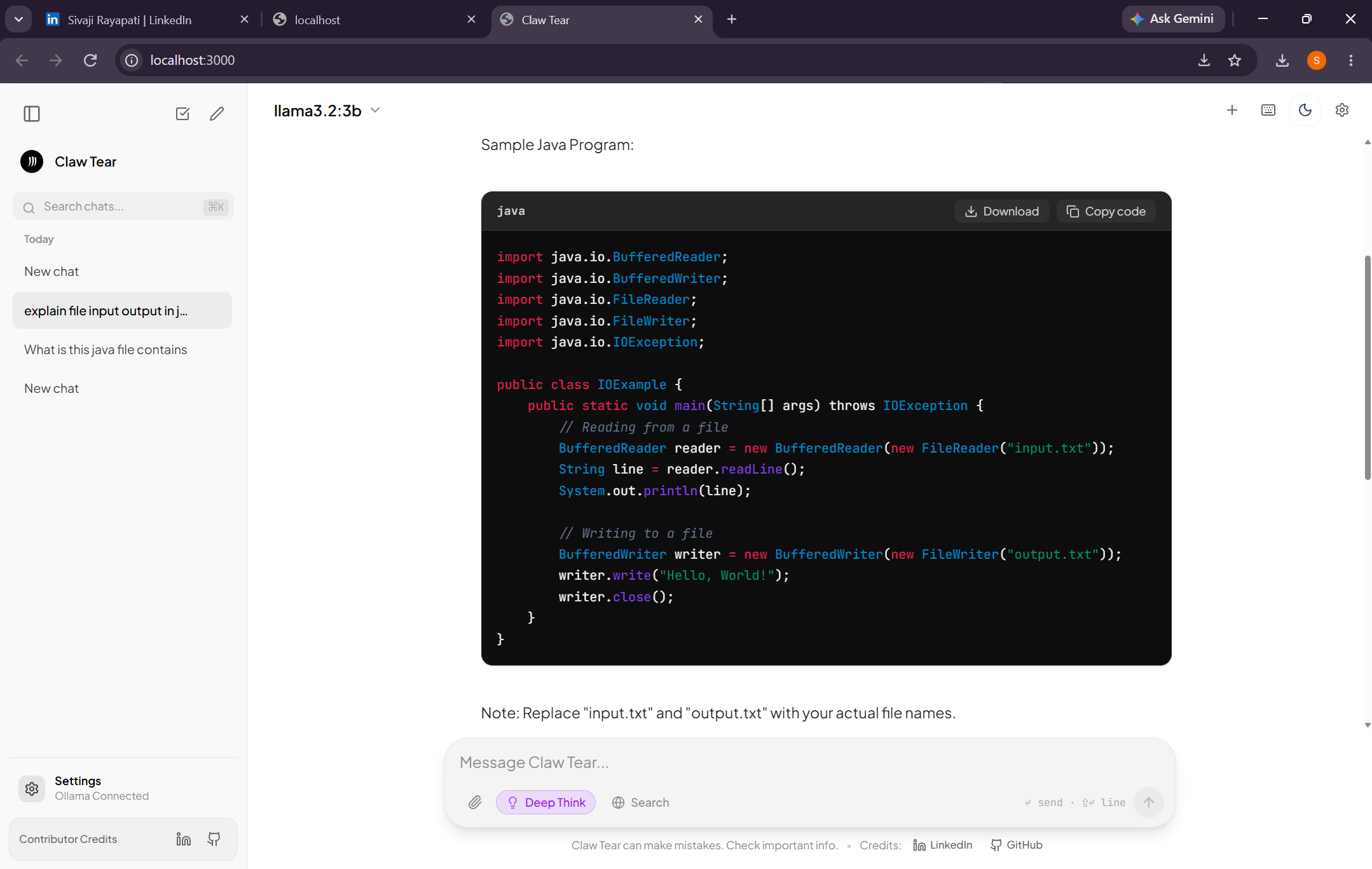
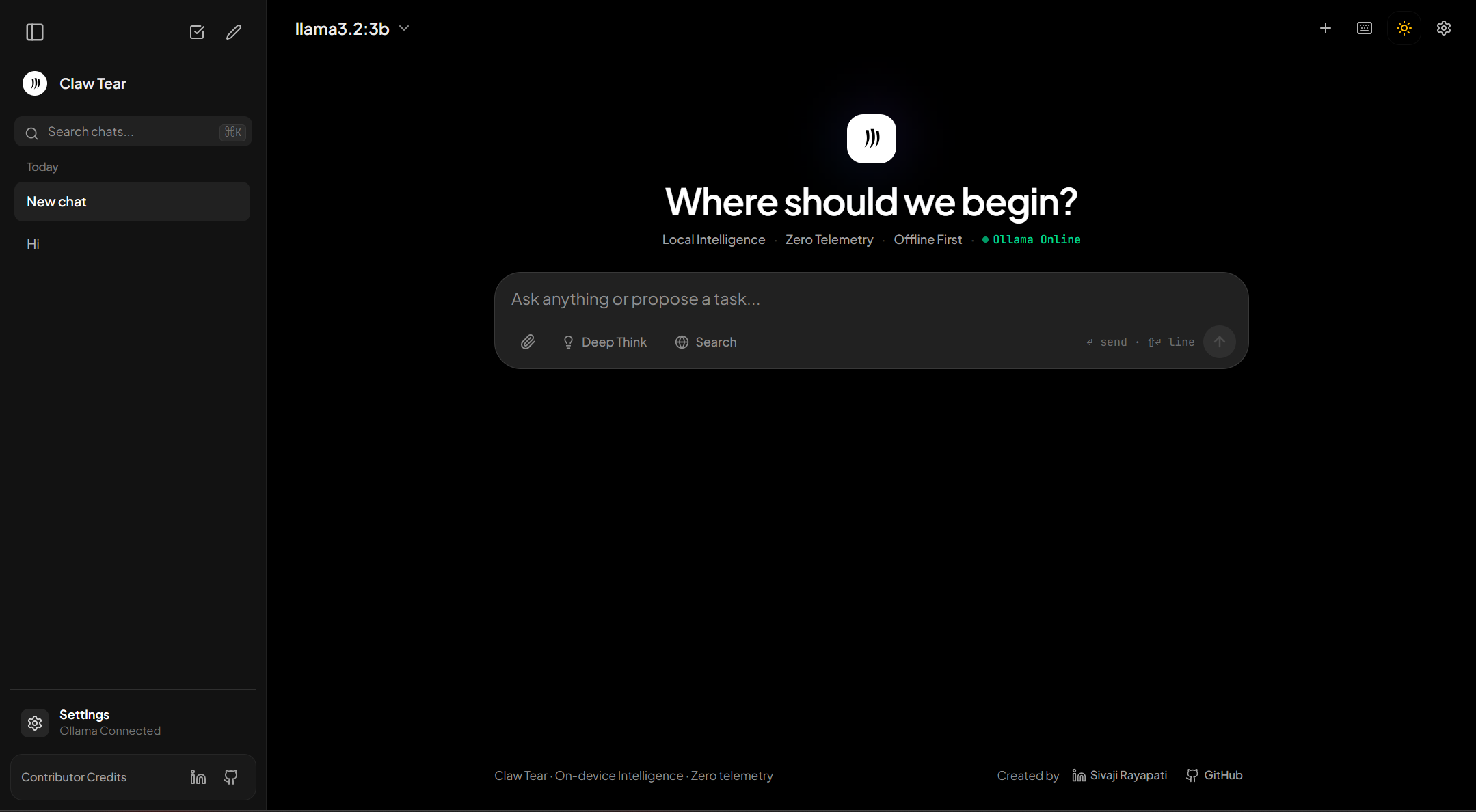
Every line is readable. What you download is source — src/App.tsx, server.js, package.json — so you can read it first and run it second.
What is in the zip
- the whole React + TypeScript app as source —
src/App.tsxandsrc/components/MarkdownRenderer.tsx server.js, the local server that proxies Ollama’s own/api/chat,/api/tagsand/api/versionStart Local AI.bat,run.bat,diagnose.bat,start.sh— Windows and Linux launchersREADME.mdwith the model list and the--port,--hostand--ollamaflags- a prebuilt
public/assetsbundle, so it opens before anything is built
What it needs
- Node.js — the one requirement the submission names, and no npm install follows it
- Ollama with a model pulled; the screenshots show
llama3.2:3b, andqwen2.5:1.5bis lighter still - Deep Think mode wants a reasoning model —
deepseek-r1:1.5b, or the7bwhen the machine is roomy - port 3000 free on your machine
Built by a member here — the whole app, free, source included.
 !
!