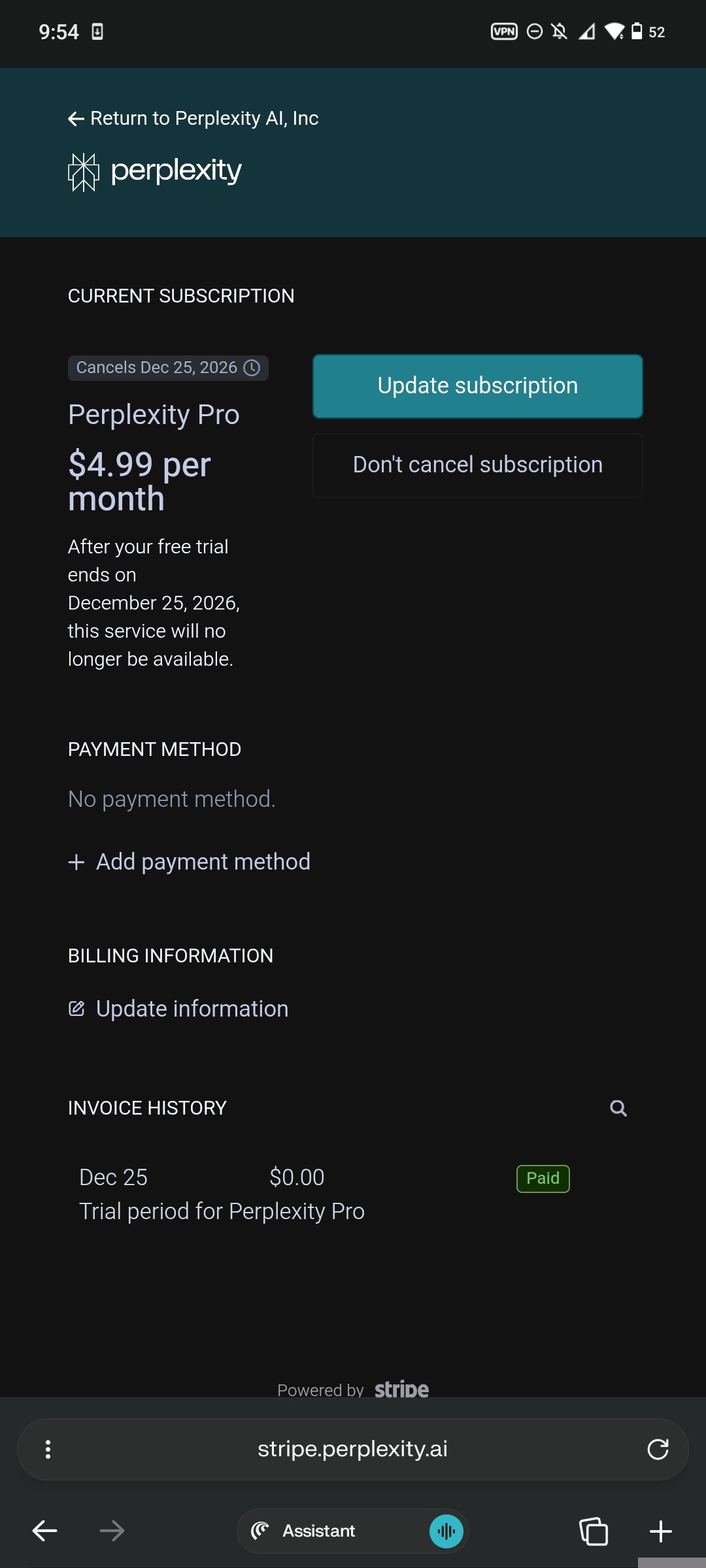
lol I can’t believe that still works
some of my tips after a lot of mistake:
1:use Gemini with this prompt to create a custom id:”Remake a same image with random name and sn with photo” with the thinking model
2:use photopea.com to edit the id that Gemini gives to you
Ctrl+J to duplicate,use the square pen to choose area and press v to move the area you have choosen to hide the Gemini watermark
After that goto file/export as/jpg and change the name of the image you edited to the full name of the edited student id
3:use browser with hidden fingerprint enabled by default like Brave/Firefox incognito with paid vpn to have the best result
lastly:don’t be too greddy
register max 2 account with that method daily
 !
!