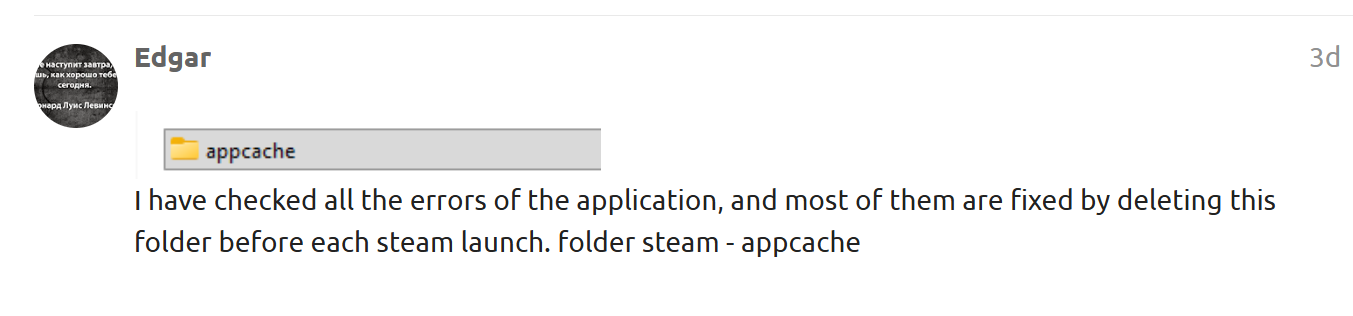
Yes, there is such a way, you need to delete this folder in the Steam folder before opening and closing Steam

This way it won’t delete your games and their progress.
[UPDATED REVIEW] After I played Mafia 1 Classic, Tomb Raider, and The Rise of Tomb Raider in a span of 1 month, now it seems that this trick doesn’t work for me anymore! The uploading of game manifests works correctly through SteamTools. And the game does appear in my library. But when I try to install it on my machine, it goes straight to the “Download Queue”. I have tried cleaning my cache, changing the region download, letting Steam run through my firewall… but nothing seems to work. And this happens only with this trick. Cause when I try to reinstall games that I purchased before, such as CS or Hitman, the download works just fine, and I install the games without any problem. Did Steam patch this method, or am I doing something wrong here? If anyone knows how to fix this, please reply. Thanks in advance…
Some games have built-in protection against this method, namely, the download starts to drop to virtually zero and the application starts to mess up. This method is working, but some developers eventually implement an anti-measure.
Makes sense. But I tried downloading games from the same developers that I downloaded before. Like for example with Mafia 2 Classic. It won’t work. I think this problem it’s related to the new Steam update. It seems they patched it somehow.
Today I will study this issue, and if there are problems with their program, I will find a solution.
Hi! I tried it and it probably works. I chose a game I know - MMO Black Desert Online, but when I got to the installation, it told me that I need 698.34 GB of free space!?! Can somebody tell me is this realistic? I played this game on a free server, but there it was about 30-40 GB. Here is a screenshot -
screen

I have checked all the errors of the application, and most of them are fixed by deleting this folder before each steam launch. folder steam - appcache
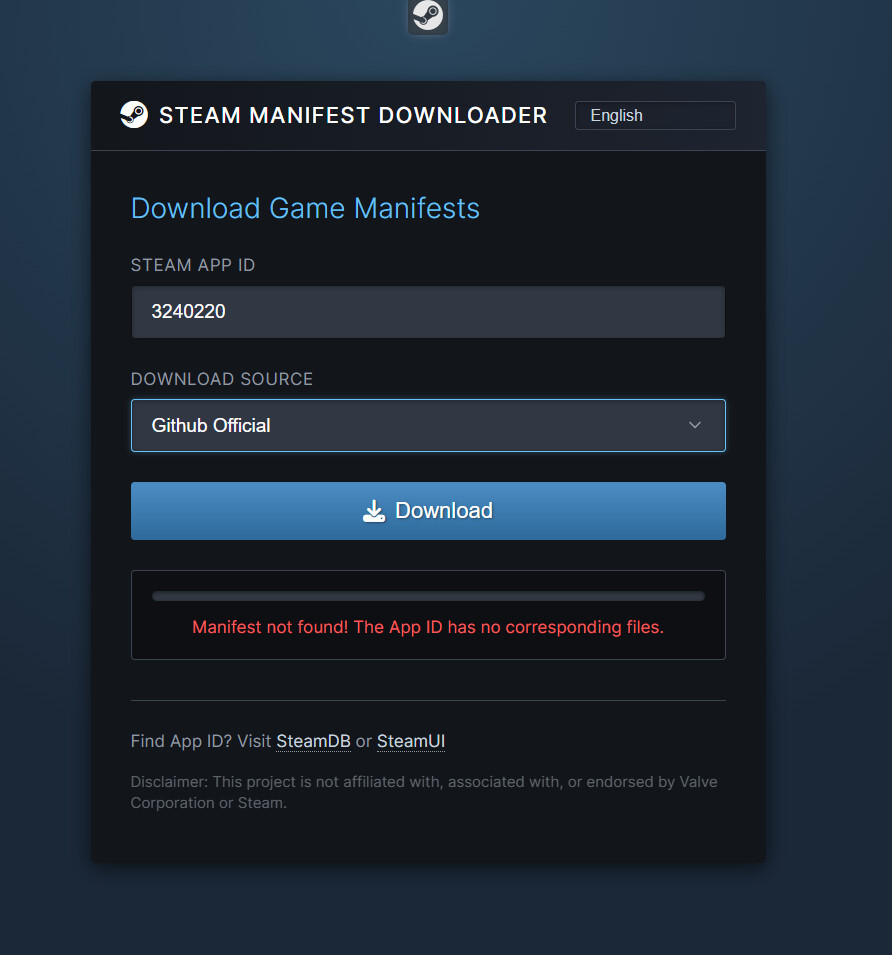
https://depotbox.org/ More recent manifestos are published here
can it work for online multiplayer games
If I don’t install the game right away when it shows up in my library and instead restart steam again, the game disappears, is there a fix to this?
It didn’t solve the problem unfortunately. Though, if I launch steam through steamtools, then the game shows up
 This does not solve the problem if Steam was not completely closed during the deletion of the folder, since the application remains open in the tray.
thanks’ for this working like a charm no issues after this 
bro what if i wanna delete a manifest?
Just a tip
for those who want to retain their steam achievements for the manifest games, spare the stats folder in appcache folder, delete everything else
im not able to actually install the game. it just cancels
Not all games are set smoothly through this method.
i tried doing everything like u said in the guide, but when i drag it into the icon, it “downloads” but doesnt show in the steam library
 !
!