This is my 3 year old WhatsApp Business my work is that clients come from Different states or country so my WhatsApp Business is Banned and cant review kindly give me resolve guide or ETC thanks…
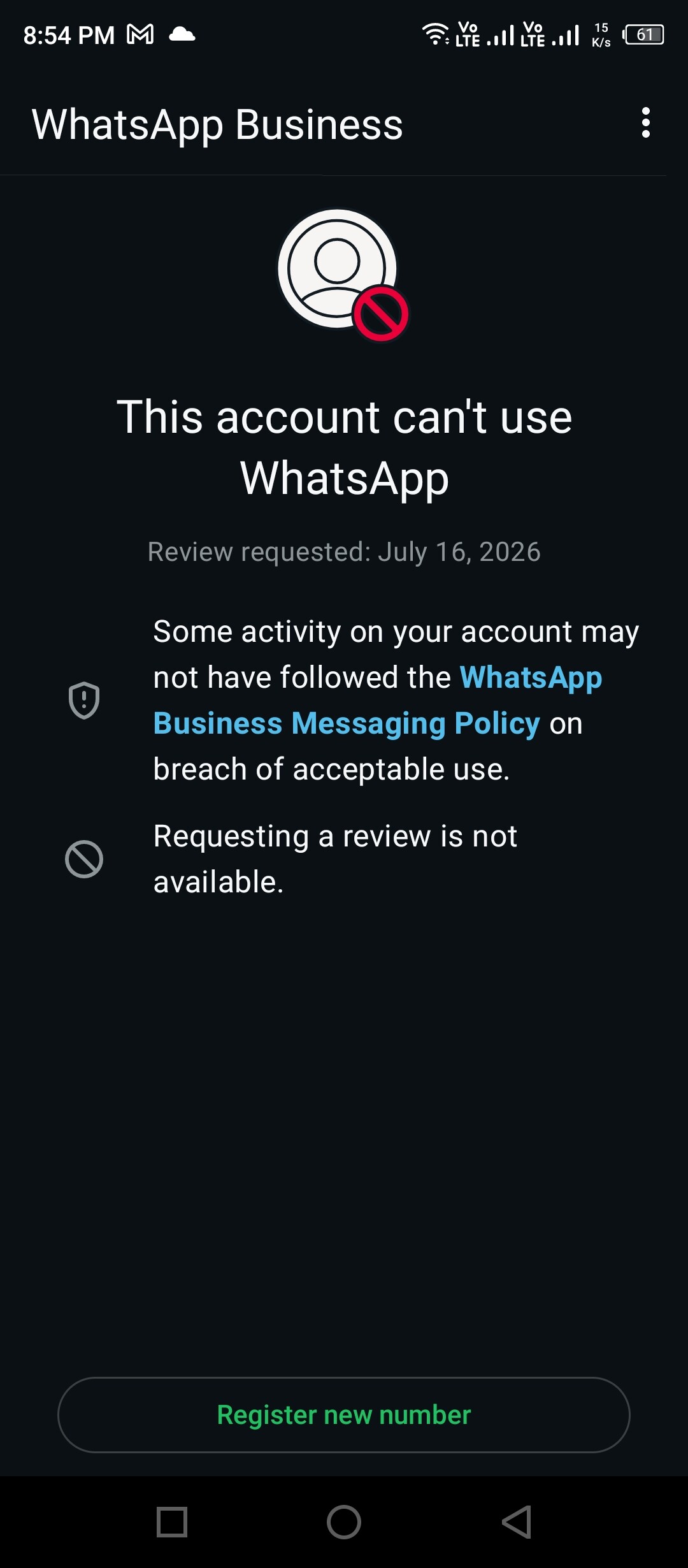
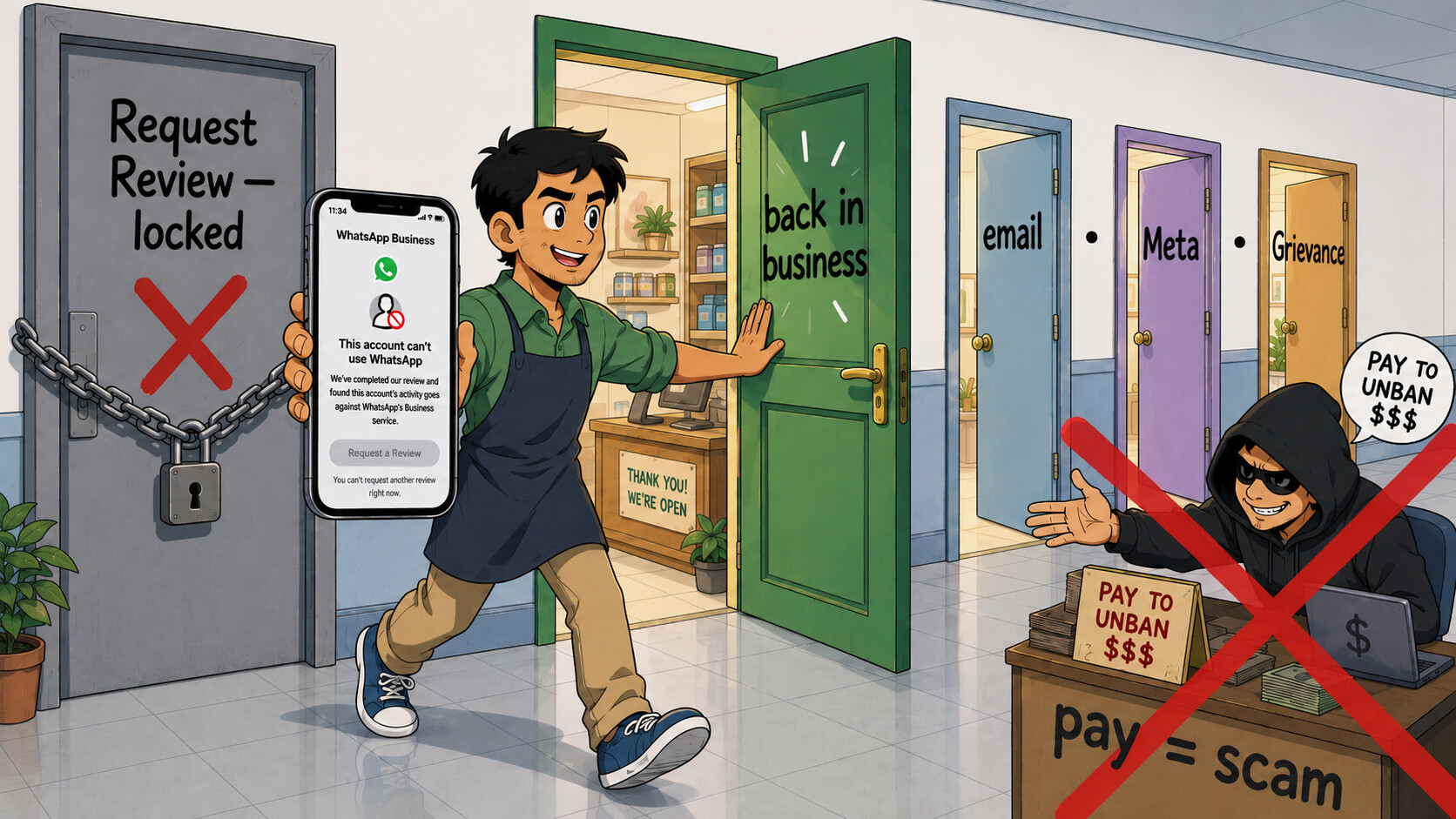
“Request a Review isn’t available” feels like the wall — it isn’t. That button is just one of about six free doors, and the strong ones live outside the app. Work them in order (start free, always free — anyone charging to “unban” is a scam, more on that below). 
 First, un-grey the button (5 minutes, $0)
- The button only renders on the official WhatsApp Business app (
com.whatsapp.w4b) — if a mod (GB/FM/Yo) or an old build is installed, it stays dead. Uninstall that, install the genuine app, keep the banned SIM in the phone, update to the newest version.  The real trick: the appeal button un-greys only after you re-enter the fresh 6-digit SMS code on your number. Fully reinstall → turn off VPN/battery-saver → re-register the same number so the ban screen reloads clean → the button comes back. Tap once, one-line reason.
- 30-sec sanity checks first: is it a global outage (nothing to appeal, just wait), and is it a temporary 1–30 day timeout vs permanent? Rules out wasted effort.
 Button truly gone? Go off-app — the free inboxes guides never name

[email protected]— the business-only support queue, the single most reliable route when the button’s dead. Email from your business address; subjectWhatsApp Business Banned — Recovery [+full intl number]; body = number in full+countryformat, 3-year history, “it’s my livelihood, banned by mistake, request reinstatement.” If you got a ban email, hit Reply on that exact thread — it lands in the open case and reaches a human far faster. Send once.- In parallel (same text):
[email protected]+[email protected], the web contact form (works even if the app won’t open), and the second in-app door Settings › Help › Contact Us (opens a support thread + attaches logs even when the ban button won’t load).
 The strong lever — turn a dead consumer ban into an appealable business asset (free)
- Make a free Meta Business Manager → Business Settings › Accounts › WhatsApp Accounts → add your number. Now the ban becomes a Meta asset with real appeal tools:
- Account Quality — the web Request Review that stays LIVE when the in-app button is greyed (app + web = two doors to the same system). It shows the exact violation reason → appeal targeted, submit once.
- Business Support Home (case tracking + live-chat for eligible accounts) · the “appeal a disabled asset” form most ban guides miss · and the side-door: if you’ve ever run even one boosted post/ad, appealing that ad-account restriction reaches a human who can see — and often restore — the linked WhatsApp asset.
 If you or a client/branch is in India — the government levers (free, on a legal clock)
- WhatsApp Grievance Officer
[email protected]— under IT Rules 2021 they must acknowledge in 24h and resolve in ~15 days. Email a signed “Grievance – wrongful account ban” with the number + business details + any ticket ID. - Ignored or denied? Appeal within 30 days to the GAC (gac.gov.in) — a government committee that can order Meta to reverse it. Almost no small-business owner knows this exists.
🔌 Move the number onto the WhatsApp Platform (free tiers) — a stronger appeal queue
Onboarding your number to the Business Platform/Cloud API gives appeals in WhatsApp Manager + a Meta Direct Support human ticket (~24h) the consumer app never exposes:
- 360dialog Coexistence (connect the existing app number to Cloud API) · AiSensy Forever-Free (India official Partner, free WABA verify) · pick any vetted BSP (their support can escalate to Meta for you).
- Appeal fields template (fill completely — Meta allows one ticket per restriction): Wati guide.
 Honest limit: a hard permanent ban must be lifted before a number can register on the API — Meta’s rule.
📣 More free queues to hit in parallel
- Public post (not DM) to @WhatsApp / @Meta / @MetaforBusiness: calm, short, “3-yr verified business line wrongly banned, Request Review greyed, case #___.” Public complaints sometimes pull a social-team reply. Never post your OTP.
- Meta Platform Bug Report — file the wrongful ban as a reproducible “bug” = a different queue that can reach a human engineer.
- r/whatsappbusiness — search “unbanned/recovered”: owners post the exact email wording + steps that flipped their ban (several report wins by persistently replying to the same email thread).
 Do NOT pay anyone. Only Meta can unban, and it’s free. Every Fiverr / Telegram / “I have a Meta insider” guaranteed unban is a scam — they resubmit the same free form, vanish with your money, or get you to forward the 6-digit code and steal the number outright. WhatsApp never asks for that code. The only legit paid option is Meta Verified (~$15/mo — unlocks a live human chat; it does not itself reverse a policy ban). And do the appeals from the official app on your own number — a fresh clean install, no mod, no bulk-broadcast that got you flagged.
A dead button isn’t a locked door — it’s the one door they expect you to knock on. Take the five they forgot to guard.
 !
!